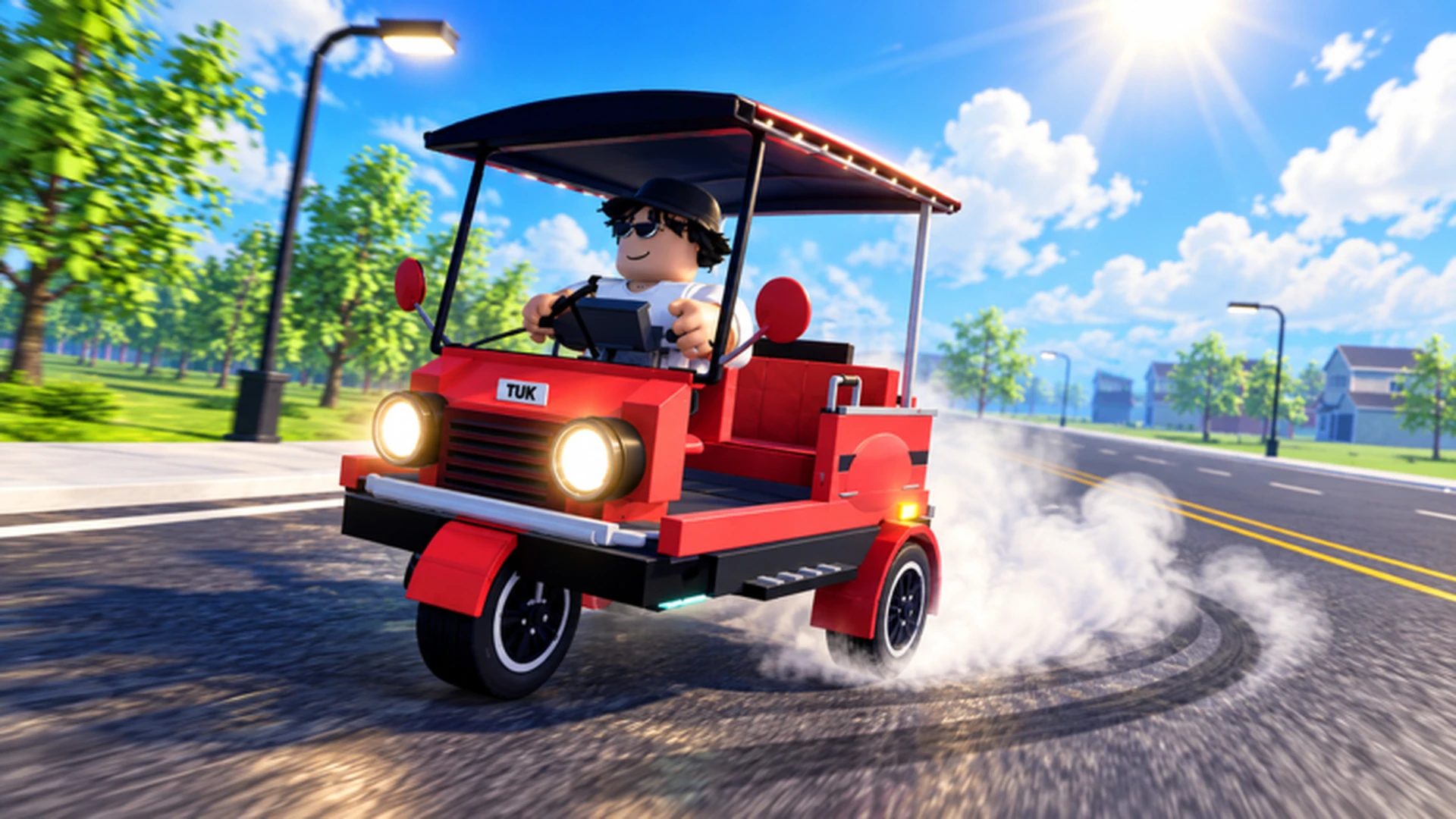
- Pickup passengers by stopping at the marked pickup point, confirming the interaction, and driving to the drop-off destination.
- Steady routes beat risky ones: repeat short, familiar passenger runs for the most consistent cash.
- Upgrade order matters: acceleration and handling first, top speed later, cosmetics last.
- Control your speed near turns; a smooth drive earns more per hour than a fast, crash-filled one.
- Daily and weekly quests stack with passenger fares for extra income.
How Passenger Pickups Work in Drive A Tuk Tuk
Drive A Tuk Tuk is a Roblox driving simulator from Lumora Inc. built around a simple loop: drive your three-wheeler, pick up passengers, earn cash, and reinvest it into speed, handling, and customization. Passenger runs are the backbone of that loop, so mastering them early accelerates every other part of the game.
The core cycle works like this: a passenger or delivery request appears with a marked pickup location. Drive there, come to a stop, confirm the pickup through the interaction prompt, then follow the route to the destination to collect your fare.
Video Highlights:
- Official gameplay trailer showing the driving and earning loop
- Examples of pickup points and route navigation
- Vehicle customization including colors, wheels, and lights
- Day/night and weather variation affecting the driving experience
Passenger pickups usually require the Tuk Tuk to be nearly stopped. Rolling slowly past the marker is the most common reason a pickup prompt fails to register.
Step-by-Step: Completing a Passenger Run
Follow this sequence every time you accept a passenger or delivery task. Consistency is what turns individual fares into a reliable income stream.
Accept or locate the request
Check the marker for the pickup location. Prefer nearby requests over distant ones during your first few sessions.
Plan the route briefly
Glance at the road layout before accelerating. Identify major turns and avoid areas with heavy obstacles or tight corners early on.
Stop at the pickup point
Approach at moderate speed, brake early, and bring the Tuk Tuk to a full stop inside the marked zone.
Confirm the pickup
Use the interaction prompt (on-screen button, keyboard key, or controller prompt depending on your platform).
Drive to the drop-off and collect
Drive smoothly to the destination, stop cleanly, and confirm the drop-off to receive your cash reward.
Collisions and missed turns cost more time than slower, controlled driving. A completed run always earns more than a fast run that ends in a wall.
Passenger Income vs. Other Earning Methods
Passenger fares are the most accessible income source, but they work best alongside other activities. This comparison shows where passenger runs fit into your overall money strategy.
| Method | Efficiency | Requirement | Best Stage | Notes |
|---|---|---|---|---|
| Passenger/delivery runs | Steady | Basic vehicle control | Early game | Most reliable starting income |
| Repeat short familiar routes | Consistent | Route knowledge | Early to mid game | Fewer mistakes, easier to repeat |
| Longer routes with upgrades | High | Performance build | Mid to late game | Better after speed/handling upgrades |
| Daily and weekly quests | Bonus | Quest completion | All stages | Stacks with fare income |
| Races and speed records | Situational | Fast build | Mid to late game | Rewards skilled driving |
Put your first fares into acceleration and handling upgrades. Every second saved per run compounds across dozens of passenger trips per session.
Best Upgrades for Passenger Runs
Not every upgrade helps passenger work equally. Since fares involve frequent stops, starts, and turns, prioritize the attributes that shorten each leg of the trip.
| Upgrade | Effect on Passenger Runs | Priority | Buy When |
|---|---|---|---|
| Acceleration | Faster restarts after each stop | High | First meaningful purchase |
| Handling | Cleaner turns, fewer missed markers | High | Early, if turning feels sluggish |
| Braking | Shorter stopping distance at pickups | Medium | Before taking dense urban routes |
| Top Speed | Faster long straights between stops | Medium | After control is comfortable |
| Cosmetics | Appearance only | Low | After performance is settled |
New Driver Build
- Priority: Handling, then acceleration
- Best for learning pickup zones safely
- Fewer crashes means more completed fares
Fare Farming Build
- Priority: Acceleration, then braking
- Optimized for stop-and-go passenger loops
- Highest fares per hour on short routes
Long-Haul Build
- Priority: Top speed and handling
- Best for distant drop-offs and races
- Requires confident high-speed control
Short routes with many pickups reward acceleration; long cross-map fares reward top speed. Adjust your upgrade focus based on the runs you accept most often.
Controls and Route Tips by Platform
Precise stopping is the key skill for pickups, and each platform handles it differently.
| Platform | Accelerate | Steer | Brake/Reverse | Interact |
|---|---|---|---|---|
| PC | W | A / D | S | On-screen prompt / key |
| Mobile | Forward button | Steering control | Brake button | Interact button |
| Controller | Acceleration prompt | Left stick | Brake prompt | Displayed prompt |
Route tips that directly improve pickup success:
- Release acceleration before sharp turns rather than braking mid-corner.
- Use short steering inputs on narrow roads instead of holding full lock.
- Learn one dense passenger area first; familiarity beats raw speed early on.
- Take weather and night driving into account — visibility changes how early you should brake.
- Stop the vehicle completely before opening menus or changing parts.
Daily and weekly quests often involve the same driving you already do for passengers. Complete quest objectives during normal fare runs to double-dip on rewards.
Passenger Run Checklist
Session Goals for Fare Farming:
- Complete 10 clean passenger runs without major collisions
- Invest first earnings into one acceleration upgrade
- Learn one high-density pickup area by memory
- Complete all available daily quests during fare loops
- Save toward the next performance milestone before cosmetic spending
Count completed runs over a session. If crashes are cutting your total, slow down and prioritize handling before adding more speed.
FAQ
Q: How do I pick up passengers in Drive A Tuk Tuk?
Drive to the marked pickup location, bring your Tuk Tuk to a full stop inside the zone, and confirm the interaction prompt. Then drive to the destination and stop again to complete the fare and collect your cash.
Q: Why is my pickup prompt not appearing?
The most common cause is not stopping fully inside the marked zone. Slow down earlier, brake completely, and reposition so the vehicle is centered on the marker before trying the interaction again.
Q: What is the best upgrade for passenger runs?
Acceleration is usually the best first upgrade because passenger routes involve frequent stops and restarts. Handling is a close second, since clean turns prevent missed markers and wasted time.
Q: Are passenger runs the fastest way to earn cash?
They are the most reliable early-game income, especially when combined with daily and weekly quests. Once your vehicle has strong performance upgrades, longer routes and races can add higher-efficiency income on top of regular fares.