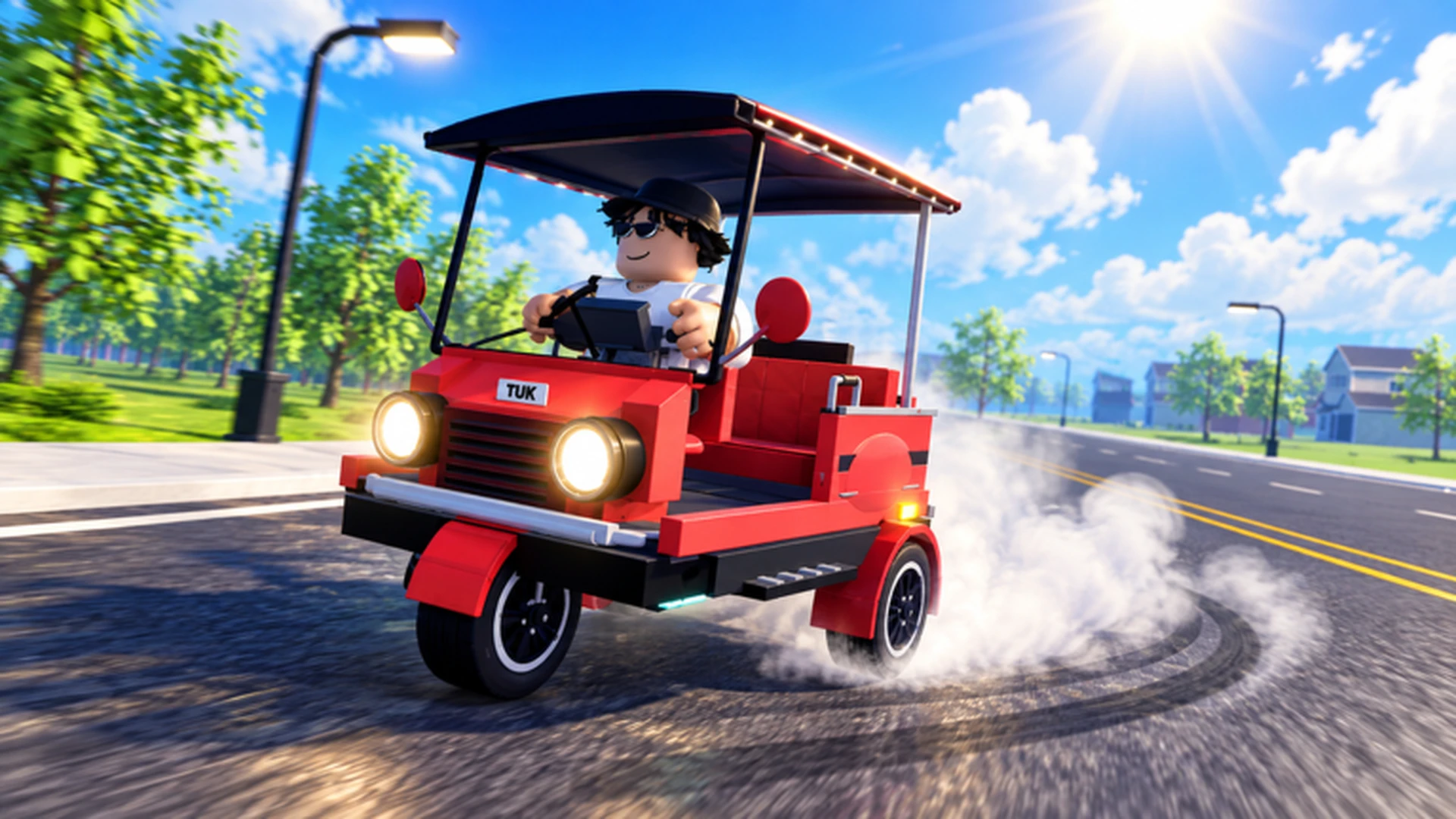
- Drive A Tuk Tuk city missions are the daily and weekly objectives that reward cash for driving.
- Daily quests refresh regularly: log in each day to claim new mission sets.
- Upgrade acceleration and handling first to finish city routes faster and with fewer crashes.
- Combine missions with money routes so every trip earns quest rewards plus distance cash.
- Weather and day-night cycles change road conditions, so adjust your speed accordingly.
How Drive A Tuk Tuk City Missions Work
In Drive A Tuk Tuk, city missions are the structured objective layer built on top of the core loop: drive your Tuk Tuk, earn cash, upgrade speed and handling, customize your look, and unlock faster vehicles. Missions give your driving a purpose beyond free roaming, turning familiar streets into repeatable income opportunities.
The game splits missions into two main tiers, each with its own refresh rhythm and reward scale:
| Mission Type | Refresh Rate | Typical Objective | Reward Style |
|---|---|---|---|
| Daily missions | Every day | Distance driven, deliveries, checkpoint runs | Moderate cash payout |
| Weekly missions | Every week | Larger cumulative goals, longer routes | Bigger cash payout |
| Milestone unlocks | One-time | Unlock faster Tuk Tuks and customization | Vehicles, parts, features |
Daily missions are the most consistent income source in the game. Even a short session that clears your daily list keeps your cash flow steady and pushes you toward weekly goals faster than one long weekly grind.
Because the game features changing environments, weather, and day-night cycles, the same mission can feel different depending on when you run it. Rainy or night routes reduce visibility, so treat mission planning as part of the challenge.
Step-by-Step Mission Completion Flow
Follow this proven sequence to clear city missions efficiently, whether you just started or are deep into progression.
Check the mission board first
Before driving anywhere, open your daily and weekly mission list. Note which objectives overlap, such as distance goals and delivery tasks, so one route can progress multiple missions at once.
Pick a route that stacks objectives
Choose a loop through the city that satisfies the most active missions. A familiar circuit beats a theoretically faster unknown road because fewer mistakes means faster completion.
Drive with control, not top speed
Use short steering inputs and release acceleration before sharp turns. A clean run at moderate speed usually beats a crash-filled sprint, since collisions cost you time on every mission type.
Collect rewards and reinvest
After clearing a mission set, claim your cash and put it into the upgrade that removes your current bottleneck: acceleration for stop-start routes, handling for tight streets.
Re-run weekly missions with better gear
As your Tuk Tuk improves, revisit harder weekly objectives. Longer routes become reliable income once acceleration, handling, and braking are comfortable.
Do not spread a small cash budget across every upgrade category. Investing in one bottleneck at a time produces a noticeable improvement; splitting funds leaves every stat mediocre and missions slow.
Best Tuk Tuk Setups for Mission Running
City missions reward consistency more than raw top speed. Match your build to the mission type you are grinding.
| Build | Priority Stats | Best Missions | Tradeoff |
|---|---|---|---|
| Handling Build | Handling, acceleration | Tight city streets, checkpoint runs | Lower top speed |
| Speed Build | Speed, acceleration | Long straight delivery routes | Punishing on sharp turns |
| Durability Build | Durability, handling | Long weekly routes, risky areas | Slower overall travel |
| Balanced Build | All attributes even | Mixed daily mission sets | No standout strength |
Handling Build
- Very high steering control
- Ideal for narrow city turns
- Best choice for newer drivers
- Recommended upgrade order: Handling, Acceleration, Durability, Top Speed
Speed Build
- Very high top speed
- Excels on long straight routes
- Suits experienced drivers with route knowledge
- Recommended upgrade order: Acceleration, Top Speed, Handling, Durability
Durability Build
- Very high survivability
- Fewer interruptions on long runs
- Great for weekly distance missions
- Recommended upgrade order: Durability, Handling, Acceleration, Top Speed
Balanced Build
- Even performance everywhere
- Safest pick for mixed daily missions
- Flexible across all activity types
- Recommended order: fix weakest stat first, then Acceleration
For most players grinding city missions, acceleration and handling deliver the best returns before anything else. Extra top speed only helps once you can control the vehicle through the turns that connect the straights.
Mission Rewards and Money Strategy
Mission payouts are the backbone of a healthy economy in Drive A Tuk Tuk. Stack them with distance-based earnings to maximize every session.
| Income Method | Efficiency | Entry Requirement | Best Stage |
|---|---|---|---|
| Daily mission clears | Steady, reliable | A usable starter Tuk Tuk | Early game |
| Weekly mission clears | High payout | Comfortable route control | Mid game |
| Repeat short familiar routes | Consistent | Route knowledge | Early to mid game |
| Long routes with performance build | High after upgrades | Acceleration, handling, braking | Mid to late game |
| Reinvesting earnings | Indirect long-term boost | Enough cash for one upgrade | All stages |
Set a spending target before each session. Whether it is the next handling tier or a new vehicle unlock, a clear goal prevents small cosmetic purchases from delaying real progression.
Every Mission Session Checklist:
- Review daily and weekly mission lists before driving
- Choose one route that stacks multiple objectives
- Complete all daily missions before free roaming
- Claim rewards and reinvest in your current bottleneck
- Track weekly progress toward the larger payout
Look for overlap between objectives. If a daily asks for distance and a weekly asks for deliveries, plan a delivery loop long enough to satisfy both. Stacked missions can double your effective hourly income without extra effort.
Mission Tips and FAQ
These final pointers cover the situations players ask about most when grinding city missions in Drive A Tuk Tuk.
Environments, weather, and day-night cycles change how the same route handles. Slow down slightly at night or in poor weather; a finished mission at 90% speed still beats a crashed run at 100%.
Q: How often do Drive A Tuk Tuk city missions reset?
Daily missions refresh every day, while weekly missions run on a weekly cycle. Log in daily to claim fresh objectives, since steady daily clears also push your weekly progress forward automatically.
Q: What is the best Tuk Tuk build for city missions?
A handling-focused build with solid acceleration suits most city missions because streets are tight and turns are frequent. Switch toward a speed or durability build only when you take on long straight delivery routes or extended weekly objectives.
Q: Should I upgrade my Tuk Tuk before doing missions?
Complete missions with your starter vehicle first to earn initial cash, then upgrade your biggest bottleneck, usually acceleration or handling. Missions scale as an income source, so better upgrades make every later mission run faster.
Q: Can missions be combined with regular money routes?
Yes, and this is the most efficient playstyle. Plan routes that satisfy active mission objectives while covering distance-based earnings, so each trip generates quest rewards plus driving income at the same time.