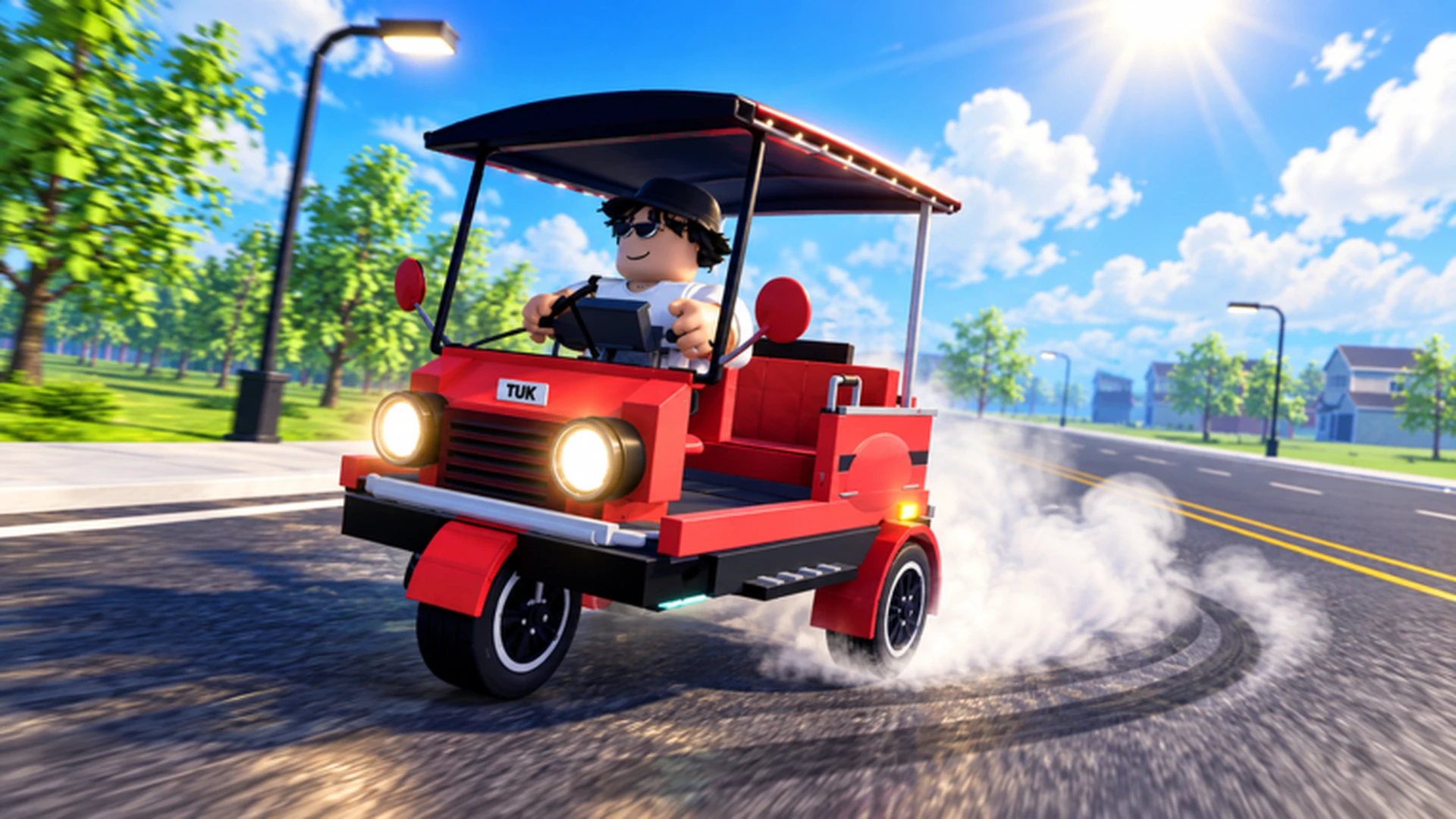
- Drive A Tuk Tuk mountain missions reward players for climbing steep, technical routes with a properly upgraded vehicle.
- Handling first: mountain terrain punishes weak steering, so upgrade handling before top speed.
- Braking matters: downhill sections demand reliable stopping control to avoid overshooting turns.
- Durability builds reduce interruptions from collisions on narrow mountain roads.
- Daily and weekly quests pair well with mountain runs for combined rewards.
What Mountain Missions Involve
Drive A Tuk Tuk, the Roblox three-wheeler driving simulator by Lumora Inc., challenges players to drive, earn cash, upgrade performance, and unlock faster vehicles across varied environments, weather, and day-night cycles. Mountain missions are among the most demanding activities because they combine steep grades, tight switchbacks, and unforgiving drop-offs — a very different challenge from flat city cruising.
Mountain-style runs test three things at once: your vehicle's upgrade balance, your route knowledge, and your braking discipline. A Tuk Tuk tuned only for top speed will struggle on inclines and corners, while a balanced setup keeps you consistent from base to summit.
Video Highlights:
- Official gameplay showing the core drive-earn-upgrade loop
- Examples of terrain variety and handling challenges
- Customization options that support different route types
Mountain routes expose every weakness in your build. If your Tuk Tuk frequently leaves the road on turns, prioritize handling and braking upgrades before attempting longer climbs.
Best Build for Mountain Terrain
Mountain missions favor control and survivability over raw speed. Compare the main build roles below before spending currency.
| Build Role | Speed | Handling | Durability | Mountain Rating |
|---|---|---|---|---|
| Balanced build | High | High | High | ★★★★★ |
| Handling build | Medium | Very High | Medium | ★★★★☆ |
| Durability build | Medium | Medium | Very High | ★★★★☆ |
| Speed build | Very High | Medium | Medium | ★★☆☆☆ |
Balanced Build
- Best overall for mixed mountain routes
- No major weaknesses
- Ideal for new players learning climbs
Handling Build
- Excels at switchbacks
- Predictable steering response
- Best for technical, turn-heavy sections
Durability Build
- Fewer interruptions
- Forgiving on narrow shoulders
- Great for long hazardous routes
Follow this sequence for mountain work: handling, braking, acceleration, top speed. Extra top speed is wasted when you cannot hold a line through a hairpin.
Mountain Mission Walkthrough
Follow these steps to complete mountain-style routes consistently.
Prepare the Vehicle
Confirm handling and braking upgrades are in place. Park safely, open the upgrade menu, and address the weakest attribute before departure.
Learn the Route
Drive the route at moderate speed first. Note sharp turns, steep drops, and any sections where your Tuk Tuk loses momentum on inclines.
Manage Speed on Climbs
Keep steady throttle on inclines. Avoid full-speed entries into corners; slow down before the turn, not during it.
Brake Early on Descents
Use short, early brake inputs downhill. Late braking is the most common cause of overshooting mountain turns.
Reinvest the Rewards
Put mission earnings back into performance upgrades so each subsequent run is faster and safer.
Pair mountain runs with the game's daily and weekly quests. Many objectives involve distance, speed, or route completion, letting you earn mission rewards and quest rewards in the same session.
Route Hazards and How to Handle Them
| Hazard | Risk | Countermeasure |
|---|---|---|
| Hairpin switchbacks | Overshooting into obstacles | Brake early, small steering inputs |
| Steep inclines | Losing momentum, stalling | Upgrade acceleration, maintain throttle |
| Long descents | Speed creep, missed turns | Tap brakes in intervals, downshift speed |
| Narrow shoulders | Collision interruptions | Handling or durability upgrades |
| Weather and night cycles | Reduced visibility | Slow down, rely on braking distance |
Mobile players should keep steering inputs small and release acceleration before sharp turns. Controller players get smoother cornering from gradual analog-stick movement rather than full-stick flicks.
Mission Goals Checklist
Mountain Mission Milestones:
- Upgrade handling and braking before the first climb
- Complete a full mountain route without major collisions
- Finish a mountain run combined with a daily quest
- Reinvest earnings into acceleration for inclines
- Move from a handling build to a balanced mountain setup
The game receives updates that can add new environments, parts, and balance changes. Re-check your upgrade priorities after each update before committing large amounts of currency.
FAQ
Q: What is the best build for Drive A Tuk Tuk mountain missions?
A balanced build offers the best consistency on mountain terrain because it combines solid handling, durability, and acceleration. If you struggle specifically with tight switchbacks, a handling-focused build is a strong alternative.
Q: Should I upgrade top speed for mountain routes?
Top speed should be a lower priority for mountain missions. Control upgrades like handling and braking deliver more value on steep, technical routes, while top speed mainly helps on long straight roads.
Q: How do mountain missions connect to quests and rewards?
Mountain runs pair naturally with daily and weekly quests that track distance, speed, or route completion. Completing both in one session is one of the most efficient ways to earn currency for upgrades.
Q: Any tips for mobile players on mountain roads?
Keep steering inputs small, release the acceleration control before sharp turns, and use the on-screen brake control early on descents. Upgrading handling helps mobile players the most.