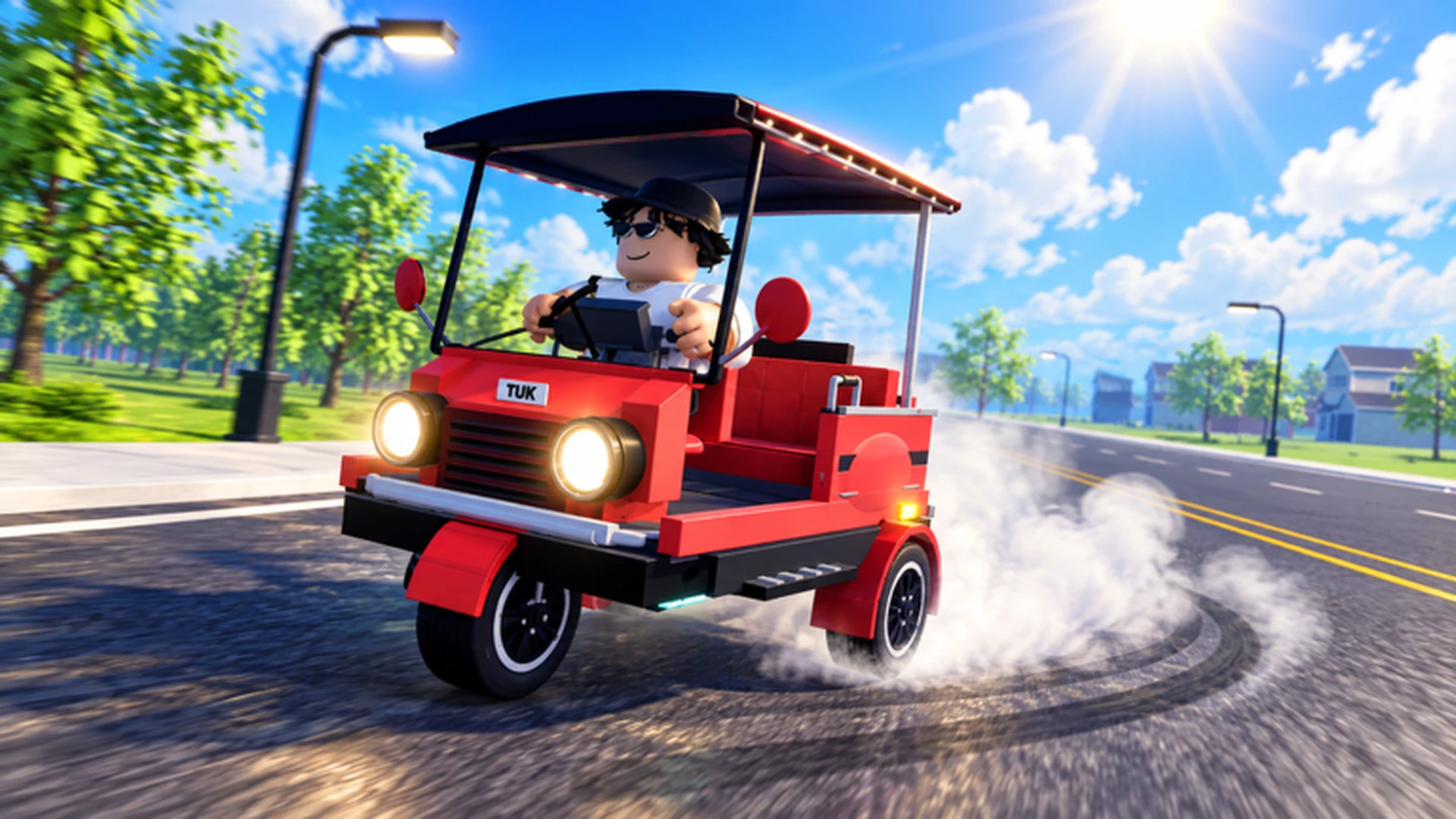
- Drop off passengers to earn cash and fund speed, handling, and braking upgrades in Drive A Tuk Tuk.
- Passenger runs reward consistent income, making them a reliable early-game money loop.
- Upgrade acceleration and handling first so tight drop-off points stop costing you time.
- Use short, familiar routes instead of risky long trips until your Tuk Tuk can handle them.
- Daily and weekly quests stack extra rewards on top of normal passenger fares.
How Passenger Drop-Offs Work in Drive A Tuk Tuk
Drive A Tuk Tuk, the Roblox driving simulator by Lumora Inc., is built around a simple loop: drive, earn, upgrade. Picking up passengers and delivering them to their destination is one of the most dependable ways to turn wheel time into cash. Each completed fare adds currency you can reinvest into performance upgrades, custom colors, wheels, and eventually faster Tuk Tuks.
Video Highlights:
- Official gameplay trailer showing the core driving loop
- Sample of the Tuk Tuk driving, earning, and customization flow
- Look at environments, weather, and day-night variation
At its core, a passenger run follows three beats: accept or find a passenger, drive to their destination marker, and stop within the drop-off zone. Your payout depends on completing the trip, so the fastest earners are the players who minimize crashes, wrong turns, and slow sections.
| Fare Stage | What You Do | What Affects Your Result |
|---|---|---|
| Pickup | Stop at the passenger marker | Acceleration, braking precision |
| Transit | Follow the route to the destination | Handling, top speed, route knowledge |
| Drop-off | Stop inside the destination zone | Braking, control at speed |
| Payout | Collect cash for the trip | Trip completion, quest bonuses |
Many players rush the drop-off and slide past the zone. Brake upgrades shorten your stopping distance, letting you arrive at speed without overshooting the passenger's destination.
Step-by-Step: Completing a Passenger Fare
Follow this sequence to turn each fare into clean, repeatable income. The goal is consistency — a route you can finish without mistakes beats a theoretically faster route you keep crashing on.
Learn the controls first
On computer, use W to accelerate, A and D to steer, and S to brake or reverse. On mobile, use the on-screen driving controls. Practice in a safe area until you can turn without collisions.
Accept a passenger
Drive to the passenger pickup marker and come to a full stop. Precise stopping is easier with at least one braking or handling improvement.
Drive the route smoothly
Use short steering inputs on narrow turns rather than holding a direction. Release acceleration before sharp corners, especially on mobile.
Stop inside the drop-off zone
Aim for the center of the destination marker and brake early. Completing the trip cleanly triggers your cash payout.
Reinvest the fare
Put your first earnings into acceleration, handling, or braking before anything cosmetic. Faster completion times mean more fares per session.
Do not split a small budget across every available upgrade. Fix the weakest part of your setup first — usually handling or braking for new drivers — before buying anything else.
Best Upgrades for Passenger Runs
Passenger driving rewards smooth, repeatable trips more than raw top speed. Before investing in maximum velocity, make sure your Tuk Tuk can start, turn, and stop reliably. The official game page confirms upgrades to speed, handling, and customization options, plus daily and weekly quests that add rewards on top of regular driving income.
| Upgrade | Effect on Fares | Priority | Best For |
|---|---|---|---|
| Acceleration | Faster restarts after pickups and stops | High | New players, short routes |
| Handling | Predictable steering to drop-off zones | High | Tight roads, mobile players |
| Braking | Shorter stopping distance at destinations | Medium | Crowded areas, sharp turns |
| Top Speed | Faster long transit sections | Medium | Experienced drivers, straight routes |
| Cosmetics | Appearance only | Low | After performance is solid |
Handling Fare Build
- Best for new drivers
- Upgrade order: Handling, Acceleration, Braking, Speed
- Fewer missed drop-off zones
Speed Fare Build
- Best for experienced drivers
- Upgrade order: Acceleration, Speed, Handling, Braking
- Highest fares per hour when clean
Balanced Fare Build
- Best for mixed play
- Upgrade order: Weakest stat, Acceleration, Handling, Durability
- No major weaknesses
Daily and weekly quests add bonus rewards on top of your passenger income. Complete them while running normal fares so one trip counts toward two payouts.
Fare Strategy by Progression Stage
Your approach to passenger runs should change as your Tuk Tuk improves. Early on, consistency matters more than distance; later, performance upgrades let you take on longer, higher-value trips.
| Stage | Recommended Fare Strategy | Key Upgrade Focus | Expected Income |
|---|---|---|---|
| Early game | Short, familiar routes | Acceleration, Handling | Steady |
| Mid game | Mixed routes with quest stacking | Braking, Top Speed | Consistent |
| Late game | Long routes with performance build | Specialized stats | High after upgrades |
A few habits separate efficient drivers from frustrated ones:
- Repeat routes you already know instead of gambling on unfamiliar roads
- Keep speed moderate through turn-heavy sections — one crash costs more than ten careful corners save
- Park fully inside drop-off zones instead of clipping the edge
- Bank earnings toward one meaningful upgrade at a time rather than small scattered purchases
- Check daily and weekly quest lists before choosing which fares to run
A route you can finish quickly and safely outperforms a longer route that is only theoretically more profitable. Learn one or two routes well, then expand.
Passenger Run Checklist
Use this checklist to confirm your session is set up for efficient fares before you start driving.
Before Your Next Fare Session:
- Confirm your controls feel comfortable on your platform
- Check daily and weekly quests for fare-related objectives
- Verify your weakest stat has the latest upgrade
- Pick one or two familiar routes to repeat
- Set a savings target before buying cosmetics
Drive A Tuk Tuk features different environments, weather, and day-night variation. Reduced visibility at night or in poor weather makes handling and braking upgrades even more valuable for clean drop-offs.
FAQ
Q: How do I drop off passengers in Drive A Tuk Tuk?
Drive to the passenger's destination marker, slow down early, and come to a full stop inside the drop-off zone. Completing the stop cleanly triggers your cash payout for the trip.
Q: Do passenger fares pay more than other activities?
Passenger runs provide a steady, dependable income stream at every stage, and they pair well with daily and weekly quests that stack bonus rewards on top of your regular fares.
Q: What is the best upgrade for completing fares faster?
For most players, acceleration and handling deliver the biggest improvement first, because pickups, turns, and precise drop-offs happen far more often than long straight sections where top speed matters.
Q: Should new players take long passenger routes?
No. Early on, repeat short, familiar routes you can finish without crashes. Longer routes become more efficient only after your Tuk Tuk has the acceleration, handling, and braking to support them.