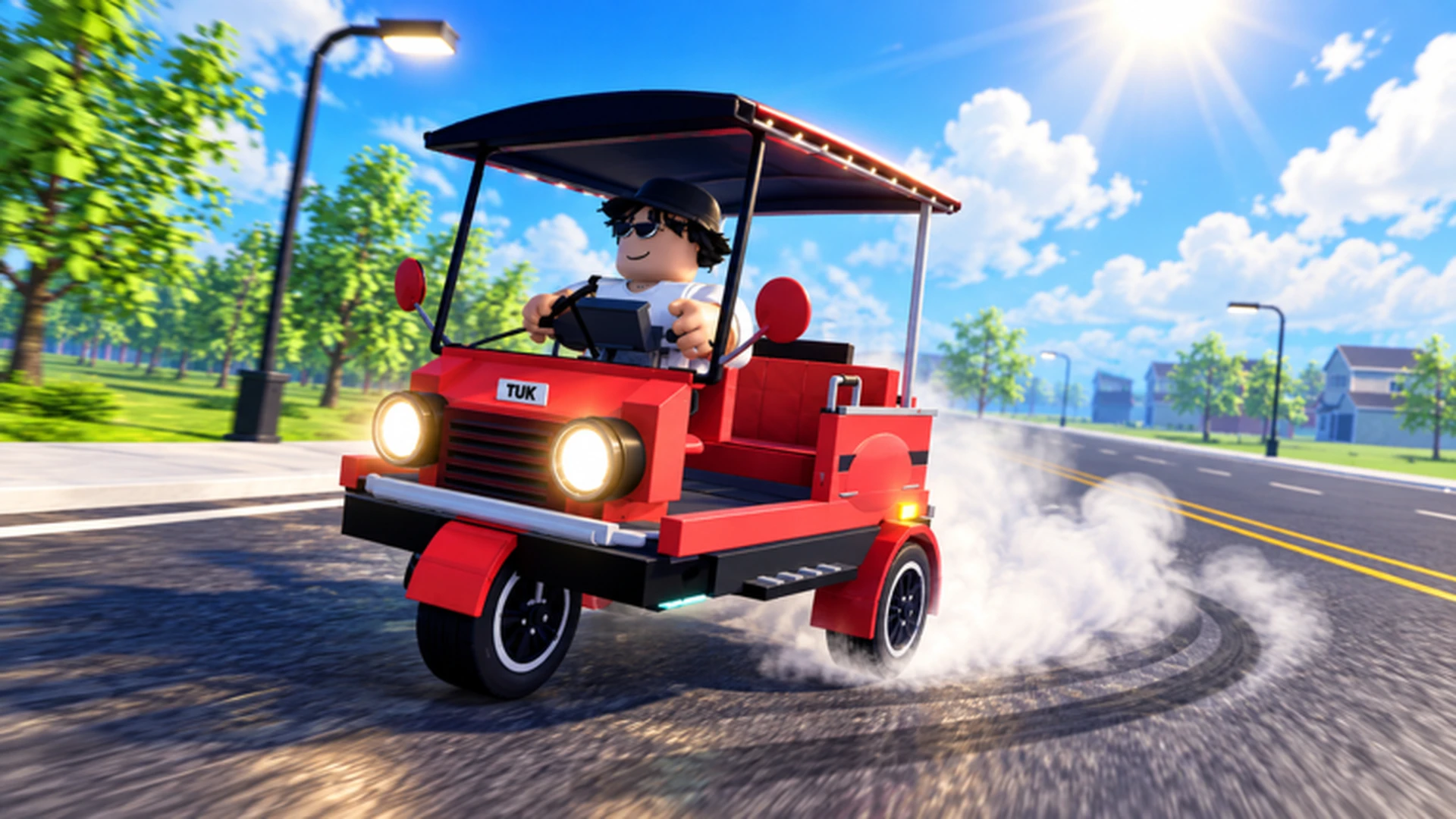
- Drive A Tuk Tuk passenger missions turn steady driving into consistent cash through pickups and drop-offs.
- Prioritize acceleration and handling upgrades first so short trips finish faster and cleaner.
- Repeating short, familiar routes usually beats risky long hauls in the early game.
- Reinvest every payout into performance upgrades before cosmetic customization.
- Daily and weekly quests stack with mission income for faster vehicle unlocks.
How Passenger Missions Work in Drive A Tuk Tuk
Drive A Tuk Tuk passenger missions are the core earning loop for most drivers in this Roblox tuk tuk simulator. You pick up a passenger, follow the route to their destination, and collect cash on completion. Each successful drop-off funds the next upgrade, which in turn shortens future trips and raises your income per hour.
The game's official gameplay trailer shows the full loop in action: driving, earning, upgrading speed and handling, customizing colors and wheels, and completing daily and weekly objectives across changing weather and day-night environments.
Video Highlights:
- Core loop: drive, earn cash, upgrade, unlock faster vehicles
- Daily and weekly missions provide bonus objectives
- Weather and time-of-day changes affect route visibility
- Customization options reward long-term progression
Every mission follows the same basic structure, but the details change based on your vehicle's condition and the route layout:
| Mission Stage | What Happens | Key Skill Needed |
|---|---|---|
| Passenger pickup | Drive to the marked pickup point | Route reading, smooth braking |
| Route navigation | Follow the path to the destination | Steering control, hazard avoidance |
| Drop-off | Stop accurately at the target | Braking precision |
| Payout | Cash is credited on completion | None, reward is automatic |
Treat each mission as a mini time trial. The faster and cleaner you complete pickups and drop-offs, the more missions you can run per session, and the more cash you bank without changing anything else.
Step-by-Step: Running Your First Passenger Mission
New drivers often lose money to crashes, missed turns, and overshooting drop-off points. Follow this sequence to build a clean, repeatable routine from your very first trip.
Practice Basic Control First
Before accepting missions, practice accelerating, braking, steering, and reversing in a safe open area. On PC, use W to accelerate, A and D to steer, and S to brake or reverse. Build enough control to take a turn without hitting obstacles.
Accept a Mission Near Your Location
Choose passenger missions that start close to you rather than driving across the map for a pickup. Short deadhead distance means more of your session is spent earning instead of repositioning.
Drive a Steady Line
Avoid top-speed sprints early on. A steady driving line with small steering inputs reduces collisions and keeps the trip moving. Release acceleration slightly before sharp turns instead of braking mid-corner.
Stop Accurately at the Drop-Off
Approach the destination at reduced speed and brake early. A clean stop completes the mission without extra corrections, which protects your trip time and payout consistency.
Reinvest the Payout Immediately
Put early earnings into acceleration, handling, or braking before anything else. These upgrades shorten every future mission, compounding your income rate across the session.
Do not spread a small budget across every available upgrade. Invest in the single attribute that most limits your current missions, usually handling for new drivers or acceleration for repeated short trips.
Mission Income vs. Other Earning Methods
Passenger missions are one of several ways to earn in Drive A Tuk Tuk, and they pair well with quests and route repetition. This comparison shows where mission driving fits in an overall money strategy.
| Earning Method | Efficiency | Entry Requirement | Best Stage |
|---|---|---|---|
| Passenger missions | Steady | A usable Tuk Tuk | Early to mid game |
| Repeating short familiar routes | Consistent | Route knowledge, vehicle control | Early to mid game |
| Long routes with a performance build | High after upgrades | Improved speed, handling, braking | Mid to late game |
| Daily and weekly quests | Bonus income | Mission availability | All stages |
| Saving for major purchases | Long-term | A clear savings target | Mid to late game |
Mission Grinder
- Steady, predictable payouts
- Low risk with basic control
- Best paired with daily quests
Route Specialist
- Consistent repeatable income
- Relies on memorized routes
- Fewer navigation mistakes
Long-Haul Driver
- High efficiency after upgrades
- Needs a performance build
- Rewards experienced drivers
Run passenger missions that also satisfy daily or weekly quest objectives whenever possible. One trip can then pay the mission reward plus quest progress, effectively doubling the value of the same driving time.
Upgrade Priority for Mission Drivers
Upgrades decide how much each mission is worth. The right purchase order turns a slow starter tuk tuk into an efficient earner without wasted spending.
| Upgrade | Effect on Missions | Priority | Recommended Order |
|---|---|---|---|
| Acceleration | Faster restarts after pickups and stops | High | 1 |
| Handling | Cleaner turns, fewer collisions | High | 2 |
| Braking | Accurate drop-offs, fewer overshoots | Medium | 3 |
| Top Speed | Faster long straights | Medium | 4 |
| Cosmetic Customization | Appearance only | Low | 5 |
Key reasons behind this order:
- Acceleration first: Missions involve frequent stops. Reaching driving speed quickly after every pickup directly increases missions per hour.
- Handling second: Predictable steering prevents the crashes and corrections that quietly destroy trip times.
- Braking before top speed: Extra speed is far less useful when you cannot stop accurately at the destination.
- Cosmetics last: Colors, wheels, and lights look great but do not move your income.
If most of your missions involve tight turns and crowded areas, move handling and braking to the top. If you regularly run long open routes, top speed becomes worth buying earlier.
Session Checklist and Habits
Consistent mission income comes from good habits, not luck. Use this checklist at the start of each session to stay efficient.
Before You Drive:
- Check daily and weekly quests for mission-related objectives
- Confirm your weakest upgrade and set a savings target
- Pick a familiar route zone with short pickup distances
- Test braking feel on one practice stop before accepting missions
- Reinvest the first payout into the current bottleneck upgrade
After every session, ask one question: what slowed me down most? If it was cornering, buy handling. If it was slow restarts, buy acceleration. Upgrading your actual bottleneck always outperforms buying whatever is newest.
Passenger Mission FAQ
Q: Are passenger missions the fastest way to earn cash in Drive A Tuk Tuk?
They are the most reliable early-game method because they require only a usable Tuk Tuk and basic control. Long routes with a performance build can out-earn them later, but missions remain a steady foundation throughout progression.
Q: Which upgrades should I buy first for passenger missions?
Acceleration and handling come first. Missions involve frequent stops and turns, so quickly regaining speed and steering cleanly improve income more than raw top speed in the early stages.
Q: Do daily and weekly quests work with passenger missions?
Yes. Many quest objectives align with regular driving and mission activities. Choosing missions that satisfy quest requirements lets one trip generate both the mission payout and quest progress.
Q: Should I take longer missions for bigger payouts?
Only after upgrading acceleration, handling, and braking. Longer routes reward performance builds, but with a weak vehicle the extra crash risk and travel time often make short repeated missions more efficient.