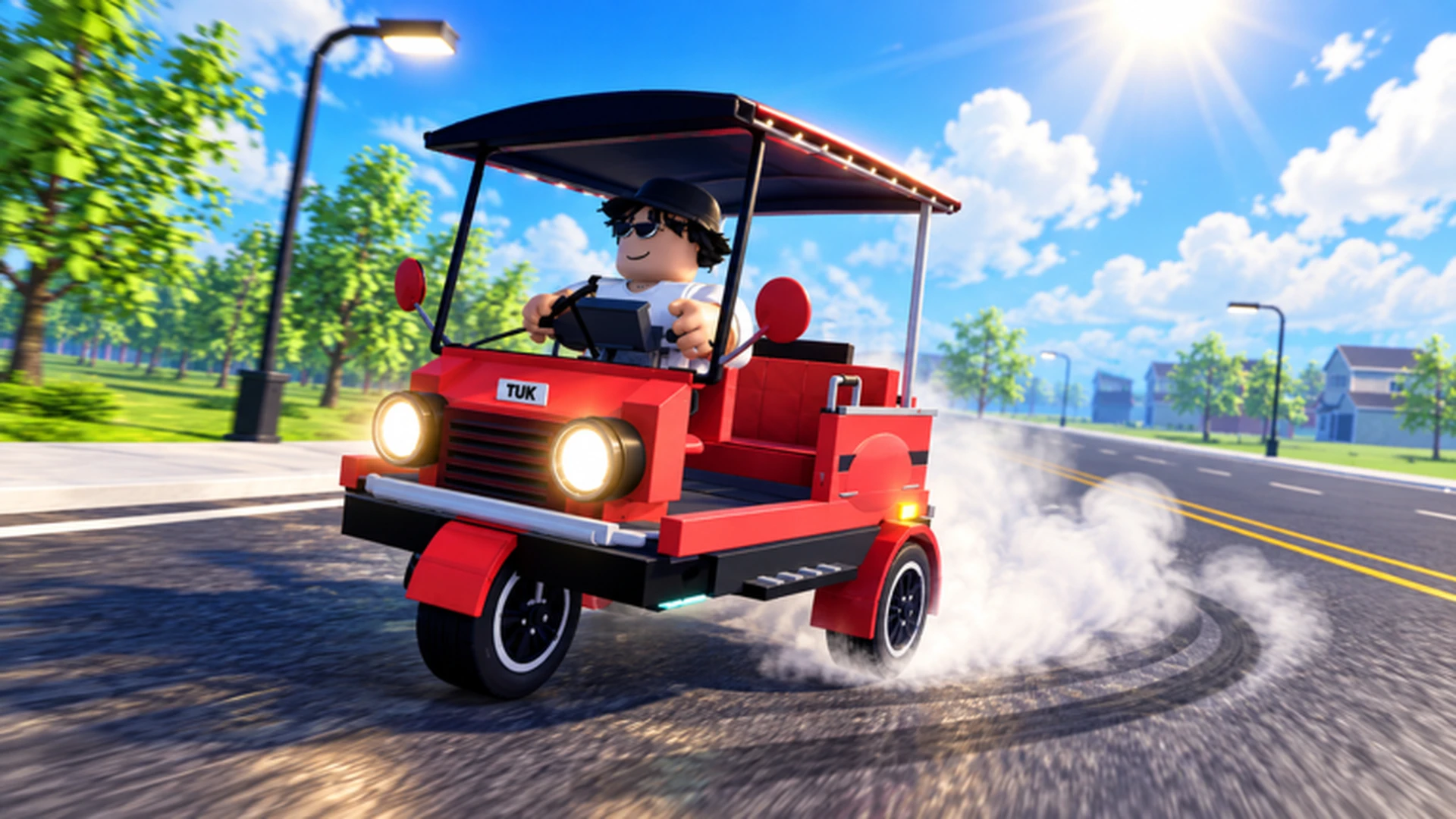
- Drive A Tuk Tuk tips and tricks start with controls: master steering before chasing speed upgrades
- Upgrade order matters: invest in acceleration and handling before top speed and cosmetics
- Money loop: repeat short, familiar routes and reinvest earnings into performance parts
- Quests and races: complete daily and weekly objectives for bonus income and unlocks
- Avoid the top mistake: never spread a small budget across every upgrade category at once
Core Drive A Tuk Tuk Tips for New Drivers
Drive A Tuk Tuk, developed by Lumora Inc. on Roblox, is built around a simple loop: drive your three-wheeler, earn cash, upgrade performance, and unlock faster vehicles. The players who progress fastest are the ones who treat driving skill as the first upgrade — better control means fewer crashes, shorter trips, and steadier income.
Video Highlights:
- See the core drive, earn, and upgrade loop in motion
- Observe how the Tuk Tuk handles turns and speed
- Preview customization and environment variety
These fundamentals apply on every platform — PC, mobile, and controller:
| Skill | Why It Matters | How to Practice |
|---|---|---|
| Smooth steering | Prevents drift off-road and crashes | Use short, gentle inputs on narrow turns |
| Braking control | Reduces overshoot at stops and corners | Brake early, before the turn, not during |
| Steady speed | Consistent trips earn more than risky sprints | Hold a speed you can control for the full route |
| Route memory | Fewer mistakes means faster repeats | Run the same short route several times before switching |
Before attempting longer routes or races, spend 10 minutes practicing starts, stops, and turns in a low-traffic area. Control gained here pays for itself in every later session.
Upgrade Priority: Where to Spend Cash First
Upgrades are the biggest cash sink in the game, and spending in the wrong order slows everything down. The most effective approach is to fix your current bottleneck rather than buying a little of everything.
| Upgrade | Effect | Priority | Best For |
|---|---|---|---|
| Acceleration | Faster starts and recovery after slowdowns | High | New players, stop-and-go routes |
| Handling | Easier, more predictable steering | High | Tight roads, mobile players, learning the map |
| Braking | Shorter stopping distance | Medium | Crowded areas, sharp turns, downhill |
| Top Speed | Higher maximum speed | Medium | Long straights, experienced drivers |
| Cosmetics | Color, wheels, lights — appearance only | Low | After performance is solid |
Speed Build
- Priority: Acceleration, then top speed
- Best for racing and fast travel
- Tradeoff: punishing on mistakes and hard turns
Handling Build
- Priority: Handling, then acceleration
- Best for new drivers and technical routes
- Tradeoff: lower maximum speed
Balanced Build
- Priority: Weakest attribute first
- Best for general progression and mixed play
- Tradeoff: no peak specialty
Extra top speed is wasted when handling is weak. If your Tuk Tuk frequently leaves the road or misses turns, buy handling before buying speed.
Step-by-Step: Building Your First Strong Tuk Tuk
Follow this sequence during your early sessions to avoid wasting resources and establish a reliable earning loop.
Learn the controls
Practice accelerating, braking, steering, and reversing until you can complete a route without collisions. Control is the foundation for everything that follows.
Run early driving activities
Use the starter Tuk Tuk to learn the main travel-and-earn loop. Complete early driving tasks and collect the starting resources they provide.
Upgrade only the bottleneck
Identify the attribute that most limits you — usually acceleration or handling — and spend your cash there for a noticeable improvement.
Pick a progression focus
Choose a direction based on your playstyle: fast travel, easier control, survivability, or balanced growth. Stick with it before buying expensive parts.
Reinvest and expand
Plow earnings back into performance upgrades, then take on longer routes and daily quests that a stronger vehicle can complete reliably.
Each step compounds on the last: better control leads to cleaner runs, cleaner runs earn more cash, and cash invested in the right upgrade shortens every future trip.
Money-Making Tips: Earn Cash Faster
Efficient earning in Drive A Tuk Tuk comes from consistency, not risky shortcuts. Compare the main income methods below and match them to your stage of progression.
| Method | Efficiency | Best Stage | Key Requirement |
|---|---|---|---|
| Regular driving and delivery tasks | Steady | Early game | A usable Tuk Tuk and route control |
| Repeating short, familiar routes | Consistent | Early to mid | Route knowledge, reliable handling |
| Long routes with a performance build | High after upgrades | Mid to late | Upgraded acceleration, braking, and speed |
| Reinvesting earnings into performance | Indirect boost | All stages | Enough cash for a meaningful upgrade |
| Saving for major purchases | Long-term | Mid to late | A clear savings target |
A route you can complete quickly and safely usually outperforms a theoretically richer route you keep crashing on. Choose consistency over theoretical maximums.
Also make use of the game's daily and weekly quests — they refresh regularly and stack bonus income on top of your normal driving. Weather and day-night changes can affect visibility, so save your fastest runs for conditions you know well.
Platform Controls and Driving Adjustments
Control layouts differ by platform, and matching your technique to your input device makes an immediate difference.
| Platform | Accelerate | Steer | Brake / Reverse | Technique Tip |
|---|---|---|---|---|
| PC | W | A / D | S | Tap-steer on narrow turns instead of holding |
| Mobile | On-screen forward button | On-screen steering | On-screen brake | Release acceleration before sharp turns |
| Controller | Acceleration prompt | Left stick | Brake prompt | Move the stick gradually for smooth corners |
Stop the Tuk Tuk completely before opening menus or changing parts. Editing a build while rolling often causes accidental selections and wasted purchases.
Set these goals for your first week:
First Week Milestones:
- Complete a full route without a collision
- Buy your first acceleration or handling upgrade
- Finish all available daily quests at least once
- Settle on a progression focus (speed, handling, or balanced)
- Save toward one major upgrade or vehicle unlock
FAQ
Q: What is the best first upgrade in Drive A Tuk Tuk?
For most new players, acceleration or handling is the best first upgrade. Acceleration shortens repeated starts, while handling reduces crashes and missed turns. Buy top speed only after control feels comfortable.
Q: How do I earn cash fastest as a beginner?
Repeat short, familiar routes you can finish cleanly, complete available driving tasks, and reinvest early earnings into performance upgrades. Consistent safe runs beat risky high-speed attempts.
Q: Are cosmetic upgrades worth buying early?
Cosmetics like colors, wheels, and lights change appearance only. Treat them as optional spending after your core performance upgrades — acceleration, handling, and braking — are complete.
Q: Which platform is easiest for controlling the Tuk Tuk?
PC keyboard input offers the most direct control, but all platforms work well. On mobile, keep steering inputs small and release acceleration before sharp turns; on controller, move the left stick gradually.