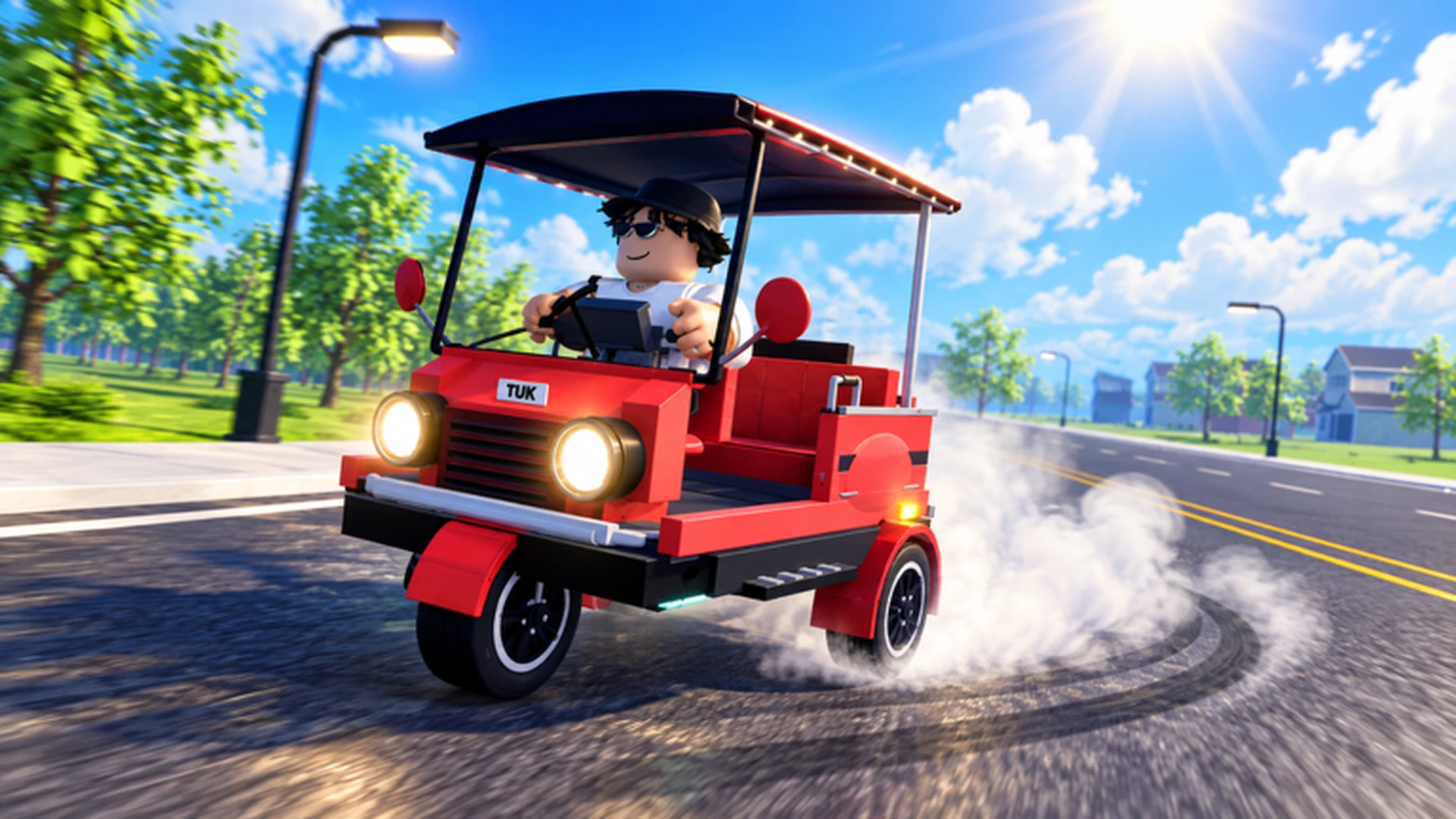
- Drive A Tuk Tuk is a Roblox driving simulator by Lumora Inc. built around drive, earn, upgrade loops.
- Core loop: Drive your Tuk Tuk, earn cash from distance and speed, then reinvest in performance.
- Best first upgrades: Acceleration and handling before top speed or cosmetics.
- Reliable early income: Repeat short, familiar routes and complete daily and weekly quests.
- Avoid: Spreading a small budget across every upgrade at once.
What Drive A Tuk Tuk Is About
Drive A Tuk Tuk is a Roblox three-wheeler driving simulator developed by Lumora Inc. and released in September 2026. Your goal is simple: drive a Tuk Tuk, earn cash, upgrade speed and handling, customize colors, wheels, and lights, complete daily and weekly quests, and unlock faster vehicles across changing environments, weather, and day-night cycles. The game has passed 1.6 million visits with a peak of over 3,400 concurrent players, so servers are active and routes stay competitive.
You can jump in through the official Roblox game page and follow updates from the Lumora Inc. community.
Video Highlights:
- Official gameplay showing the driving and earning loop
- Visual preview of customization and environments
- A look at how upgrading changes on-road performance
The table below summarizes the key facts every beginner should know before the first drive:
| Topic | Details |
|---|---|
| Developer | Lumora Inc. |
| Platform | Roblox |
| Release window | September 2026 |
| Visits | 1.6M+ |
| Peak CCU | 3,400+ |
| Vehicles | 6+ Tuk Tuks |
| Core activities | Driving, earning, upgrades, customization, quests |
Before your first long route, spend a few minutes practicing accelerate, brake, steer, and reverse in a safe, open area. Muscle memory built early prevents wasted runs later.
Controls on Every Platform
Controls differ between computer, mobile, and controller, but the core actions stay the same. Learn your layout first so the vehicle responds the way you expect.
| Action | Computer | Mobile | Controller |
|---|---|---|---|
| Accelerate | W | On-screen forward | Displayed prompt |
| Turn left | A | On-screen steering | Left stick |
| Brake / reverse | S | On-screen brake | Displayed prompt |
| Turn right | D | On-screen steering | Left stick |
| Interact | Displayed key | On-screen button | Displayed prompt |
Use short steering inputs near tight corners instead of holding a direction. On mobile, release acceleration before sharp turns; on controller, tilt the stick gradually for smoother cornering at speed.
For building and menus, stop the Tuk Tuk completely before changing parts or browsing upgrade menus. An accidental tap while moving can waste currency on the wrong component.
Your First Session: Step-by-Step
Follow this sequence in your first session to build a stable foundation without wasting early cash.
Learn the basic controls
Practice accelerating, braking, steering, and reversing in a safe area until you can hold a steady line without collisions.
Complete early driving activities
Use the starter Tuk Tuk to run the game's travel and earning loop. Understand how distance, speed, and completed trips convert into cash.
Upgrade only the current bottleneck
Identify the part that most limits your progress, usually acceleration or handling, and spend there instead of spreading a small budget everywhere.
Pick an early progression route
Choose a focus based on your playstyle: faster travel, easier handling, better durability, or a balanced setup.
Add daily and weekly quests
Layer quest rewards on top of your driving income once your basic loop is comfortable and repeatable.
Earning first and upgrading second means every purchase is funded by gameplay, and each upgrade shortens the next run. Players who reverse this order tend to stall early.
Upgrade Priorities for New Players
Not every upgrade gives equal value early. Match your spending order to the way you actually play, and put performance before appearance.
| Upgrade | Effect | Priority | Best For |
|---|---|---|---|
| Acceleration | Faster starts after slowing | High | New players, frequent stops |
| Handling | Predictable steering | High | Tight roads, mobile players |
| Braking | Shorter stopping distance | Medium | Crowded areas, downhill turns |
| Top Speed | Higher maximum speed | Medium | Long straights, experienced drivers |
| Cosmetics | Appearance only | Low | After performance is solid |
Speed Build
- Priority: Acceleration, top speed
- Best for racing and quick routes
- Tradeoff: less forgiving of mistakes
Handling Build
- Priority: Steering, stability
- Best for new drivers and technical routes
- Tradeoff: gives up some top speed
Balanced Build
- Priority: Weakest attribute first
- Best for early progression
- Tradeoff: no peak specialization
If the Tuk Tuk feels hard to turn or frequently leaves the road, buy handling before anything else. If it feels sluggish after every stop, buy acceleration. Extra top speed is the least useful upgrade while control is still weak.
Earning Cash and Quests
Income in Drive A Tuk Tuk comes from repeating what you can complete consistently. Reliability beats theoretical maximums, especially in the first hours.
| Method | Efficiency | Best Stage |
|---|---|---|
| Regular driving / delivery tasks | Steady | Early game |
| Short, familiar routes | Consistent | Early to mid |
| Long routes with performance build | High after upgrades | Mid to late |
| Reinvesting in performance | Indirect boost | All stages |
| Saving for major purchases | Long-term | Mid to late |
Daily and weekly quests stack on top of driving income and often reward more per minute than raw grinding, so check the quest list every session before choosing a route. Different environments, weather, and time of day can also change route difficulty, so adjust your chosen path when conditions shift.
- Spending everything on cosmetics before performance upgrades
- Grinding long unfamiliar routes with an under-upgraded Tuk Tuk
- Ignoring daily quests, which refresh whether you use them or not
- Holding boost or full throttle into sharp turns
First Week Goals:
- Practice all basic controls without collisions
- Complete first daily and weekly quests
- Buy first acceleration upgrade
- Buy first handling upgrade
- Establish one repeatable short cash route
FAQ
Q: Is Drive A Tuk Tuk free to play?
Yes, it is a standard Roblox game you can join through the official Roblox game page. Optional purchases exist for customization, but the core drive, earn, and upgrade loop is playable without spending.
Q: What should my first upgrade be in Drive A Tuk Tuk?
Acceleration is the safest first purchase because it improves every start and stop on your route. If your Tuk Tuk already feels quick but hard to steer, buy handling instead.
Q: How do I earn cash fastest as a beginner?
Repeat short, familiar routes you can finish without crashes, and complete daily and weekly quests. Consistent completion usually outearns risky long routes early on.
Q: Are there redeem codes for Drive A Tuk Tuk?
No publicly verified codes are confirmed at the time of writing. Watch the official Roblox game description and the Lumora Inc. community group for any newly announced rewards.
Drive A Tuk Tuk receives updates with new vehicles, parts, and balance changes. Re-check your upgrade priorities after each major update before spending saved currency.