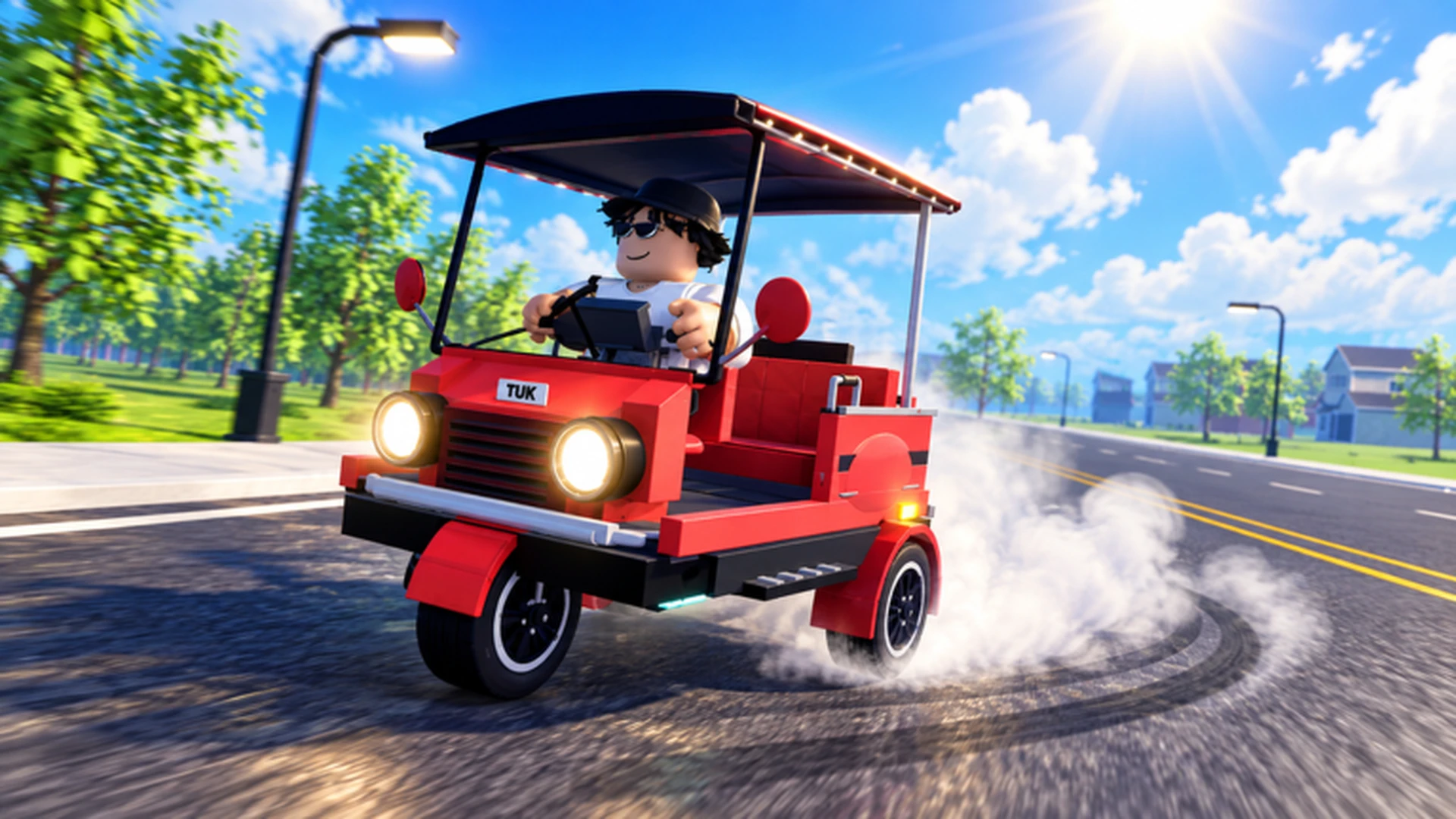
- Drive A Tuk Tuk complete walkthrough covers the full loop: drive, earn cash, upgrade, unlock faster vehicles.
- Early priority: Put your first cash into acceleration and handling before anything cosmetic.
- Core income: Repeat short, familiar routes and stack daily and weekly quest rewards.
- Mid-game key: Reinvest every payout into the upgrade that limits you most right now.
- Endgame goal: Unlock faster Tuk Tuks, then specialize builds for racing or long farming routes.
Walkthrough Overview: The Core Game Loop
Drive A Tuk Tuk is a Roblox three-wheeler driving simulator from Lumora Inc. built around one repeating cycle: drive your Tuk Tuk, earn cash from distance and speed, spend that cash on performance upgrades and customization, complete daily and weekly quests, and eventually unlock faster vehicles across changing environments, weather, and day-night conditions. This walkthrough walks you through every stage of that loop in the order that produces the smoothest progression.
Video Highlights:
- Official gameplay trailer showing the core driving and drifting feel
- Red Tuk Tuk customization and road action from the release build
- Quick look at the environments you will drive through
The loop rewards consistency over aggression. Players who finish clean routes repeatedly out-earn players who crash through ambitious ones, so treat control as your first upgrade.
Before your first long drive, spend five minutes practicing acceleration, braking, and reversing in a safe area. The starter Tuk Tuk is slow on purpose — learn its turning radius now and every later vehicle feels easier.
| Game Loop Stage | What You Do | Main Reward |
|---|---|---|
| Drive | Travel routes, build distance and speed | Cash per trip |
| Upgrade | Buy acceleration, handling, braking, top speed | Faster earning |
| Customize | Change colors, wheels, lights | Visual identity |
| Quests | Finish daily and weekly objectives | Bonus cash |
| Unlock | Purchase faster Tuk Tuks | Higher performance ceiling |
Stage 1: First Session Walkthrough
Your first session sets the tone for everything after it. Follow these steps in order and you will leave day one with a working income stream and your first upgrade purchased.
Learn the controls on your platform
On PC use W to accelerate, A and D to steer, and S to brake or reverse. On mobile, use the on-screen forward, steering, and brake controls. On controller, steer with the left stick and follow the displayed action prompts. Keep steering inputs short near turns.
Drive the starter Tuk Tuk on short routes
Pick a route you can finish without collisions and repeat it. The starter vehicle earns slowly, but steady completion beats risky long trips at this stage.
Claim your first quest rewards
Check the daily and weekly quest lists as soon as they refresh. Early objectives usually align with normal driving, so you can complete them without changing your routine.
Buy your first performance upgrade
Spend your first meaningful payout on acceleration or handling — whichever limits you more. Avoid cosmetic purchases until your core performance setup is reliable.
Set a savings target
Decide on your next milestone, such as a specific upgrade tier or a new vehicle, and route all income toward it. This prevents small purchases from delaying big unlocks.
Do not spread a small budget across every upgrade category. Improving one bottleneck at a time produces a noticeable gain; splitting cash five ways produces none.
Stage 2: Upgrade Order and Money Routes
Once your basic loop is stable, the walkthrough shifts to efficiency. Upgrades change how much each route earns, and routes change which upgrades matter — plan them together.
| Upgrade | Effect | Priority | Best For |
|---|---|---|---|
| Acceleration | Reaches driving speed faster after stops | High | New players, short routes, frequent restarts |
| Handling | Predictable steering in turns | High | Tight roads, mobile players, learning the map |
| Braking | Shorter stopping distance | Medium | Crowded areas, downhill, sharp corners |
| Top Speed | Higher maximum speed | Medium | Long straights, experienced drivers |
| Customization | Colors, wheels, lights | Low | After performance is settled |
| Money Method | Efficiency | Entry Requirement | Best Stage |
|---|---|---|---|
| Regular driving and delivery tasks | Steady | Any usable Tuk Tuk | Early game |
| Repeating short familiar routes | Consistent | Route knowledge, basic control | Early to mid |
| Long routes with a performance build | High after upgrades | Solid acceleration and handling | Mid to late |
| Quest reward stacking | Reliable bonus | Active daily and weekly quests | All stages |
Speed Build
- Priority: Acceleration, then top speed
- Best for racing and fast travel
- Weak in tight turns
Handling Build
- Priority: Handling, then acceleration
- Best for technical routes and newer drivers
- Gives up some top speed
Durability Build
- Priority: Durability, then handling
- Best for long risky runs
- Slower overall earnings
Every payout should either buy an upgrade that shortens your next run or move you closer to a major unlock. Cosmetic spending waits until performance is handled.
Stage 3: Quests, Races, and Vehicle Unlocks
The late-game walkthrough revolves around stacking quest income, competing in races, and working through the vehicle roster — more than six Tuk Tuks are available, each unlocking as your cash flow grows.
- Daily quests refresh every day and usually reward routine driving behavior. Complete them passively while farming your normal route.
- Weekly quests offer larger bonuses for longer-term objectives. Plan your week around whichever weekly goal overlaps your money route.
- Races reward route knowledge and speed-focused builds. Enter them only after your handling feels consistent at high speed.
- Vehicle unlocks are your biggest purchases. Compare new Tuk Tuks against your current build before committing, and check update notes for balance changes first.
The game features different environments, weather, and day-night cycles. Handling-oriented setups perform better in poor visibility and rain, while speed builds shine on clear long straights.
Progression Checklist
Walkthrough Milestones:
- Master controls and complete a clean route without collisions
- Claim your first daily and weekly quest rewards
- Purchase first acceleration or handling upgrade
- Establish a repeatable money route with consistent earnings
- Complete first race with a speed-oriented build
- Unlock a faster Tuk Tuk and re-run your best route
FAQ
Q: What should I upgrade first in the Drive A Tuk Tuk complete walkthrough?
Acceleration and handling come first. Acceleration improves every trip with frequent stops, and handling prevents the crashes that ruin route consistency. Top speed is worth buying only after you can control the vehicle at higher speeds.
Q: How do I earn cash fastest as a new player?
Repeat short, familiar routes you can finish cleanly, and stack daily quest rewards on top of that income. Avoid long ambitious routes early on, because failed runs earn nothing and waste time.
Q: Should I customize my Tuk Tuk before upgrading performance?
No. Colors, wheels, and lights are visual only and do not improve driving performance. Treat customization as optional spending after your core acceleration, handling, and braking upgrades are in place.
Q: When should I start racing?
Enter races once your vehicle maintains control at high speed and you know the track layout. A speed build with weak handling usually loses to a balanced setup driven cleanly through the corners.