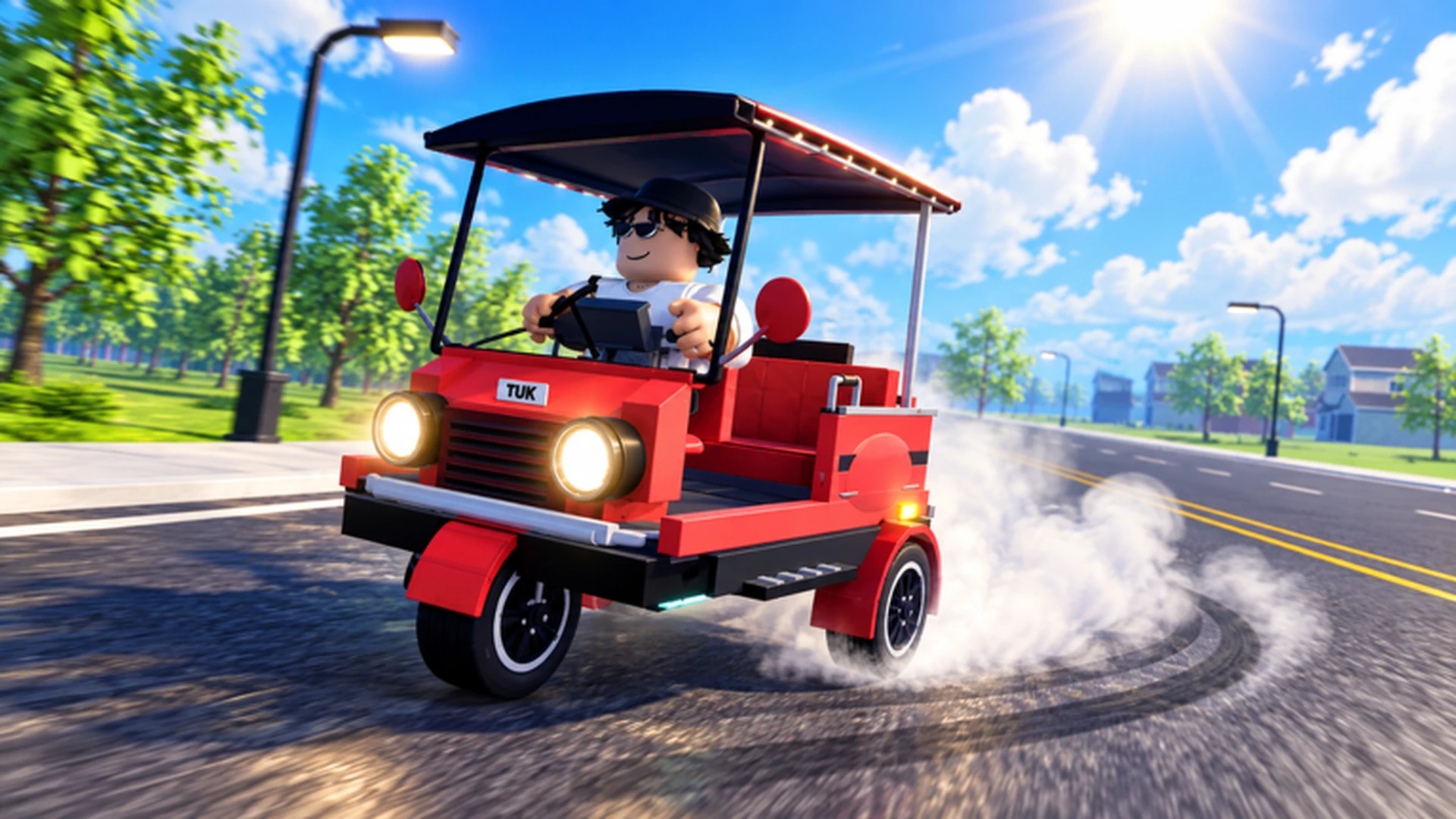
- Drive A Tuk Tuk is a Roblox three-wheeler driving simulator by Lumora Inc.
- Core loop: drive, earn cash, upgrade speed and handling, unlock faster Tuk Tuks
- Early priority: acceleration and handling upgrades before top speed
- Steady income: repeat short, familiar routes before attempting long runs
- Customization: colors, wheels, and lights come after performance upgrades
Drive A Tuk Tuk Overview and Core Loop
Drive A Tuk Tuk is a Roblox driving simulator developed by Lumora Inc. that puts you behind the handlebars of a three-wheeled Tuk Tuk. The gameplay loop is simple but addictive: drive your vehicle, earn cash from your trips and tasks, upgrade performance, customize your look, and unlock faster Tuk Tuks. The game features daily and weekly quests, changing environments, weather, and a day-night cycle that keeps every route feeling fresh.
Video Highlights:
- Official gameplay trailer showing the core driving experience
- Demonstrates the red Tuk Tuk drifting and earning on open roads
- Showcases customization and performance progression systems
The game has drawn a sizable audience since release, with over a million visits and thousands of concurrent players during peak hours. You can jump in directly through the official Roblox game page.
| Feature | Description |
|---|---|
| Developer | Lumora Inc. |
| Platform | Roblox |
| Core loop | Drive, earn, upgrade, customize, unlock |
| Quests | Daily and weekly tasks |
| World | Changing environments, weather, day-night cycle |
| Stats (public snapshot) | 1.6M+ visits, 3.4K+ peak CCU |
Bookmark the official Roblox game page and the Lumora Inc. community so you never miss announcements, events, or new vehicle releases.
Controls on Every Platform
Before chasing cash, make sure your driving fundamentals are solid. Roblox control layouts differ between computer, mobile, and controller, so pick the setup that matches your hardware.
| Action | Computer | Mobile | Controller |
|---|---|---|---|
| Accelerate | W | On-screen forward control | Acceleration prompt |
| Steer left | A | On-screen steering control | Left analog stick |
| Brake or reverse | S | On-screen brake control | Brake prompt |
| Steer right | D | On-screen steering control | Left analog stick |
| Interact | Click prompts | Interaction button | Interaction prompt |
Always bring your Tuk Tuk to a full stop before opening upgrade or customization menus. Moving while navigating menus is one of the most common causes of wasted runs and accidental collisions.
Control tips by platform:
- Computer: use short, tapped steering inputs near tight corners instead of holding A or D continuously.
- Mobile: keep steering inputs small and release acceleration before sharp turns.
- Controller: use gradual analog-stick movement for smoother cornering at higher speeds.
Money Guide: How to Earn Cash Fast
Cash is the lifeblood of progression in Drive A Tuk Tuk. The most reliable income comes from activities you can complete consistently without crashing, so build your earning routine around routes you already know well.
| Method | Efficiency | Requirement | Best Stage |
|---|---|---|---|
| Regular driving or delivery tasks | Steady | A usable Tuk Tuk | Early game |
| Repeat short, familiar routes | Consistent | Route knowledge, basic control | Early to mid game |
| Longer routes with performance build | High after upgrades | Improved speed and handling | Mid to late game |
| Reinvest earnings into upgrades | Indirect boost | Enough cash for a real upgrade | All stages |
| Save for major purchases | Long-term | A clear savings target | Mid to late game |
Steady Starter
- Delivery tasks
- Reliable early income
- Low entry requirement
Route Grinder
- Repeat short routes
- Fewer mistakes, faster resets
- Best consistency per hour
Long-Haul Runner
- Upgraded build
- Highest efficiency later
- Requires performance investment
Put your first meaningful earnings into acceleration, handling, or braking rather than cosmetics. Performance upgrades shorten every future trip, which compounds into faster income over time.
Upgrade Priorities and Builds
Upgrade resources should go toward movement and control before appearance. New players benefit most from acceleration and handling, while experienced drivers can push top speed once control is comfortable.
| Upgrade | Effect | Priority | Recommended For |
|---|---|---|---|
| Acceleration | Reaches driving speed faster after stops | High | New players, short routes |
| Handling | More predictable steering in turns | High | Tight roads, mobile players |
| Braking | Shorter stopping distance | Medium | Crowded areas, downhill routes |
| Top Speed | Higher maximum speed | Medium | Long straights, experienced drivers |
| Cosmetics | Appearance changes only | Low | Players with a solid performance setup |
Fix the Current Bottleneck
Identify the attribute that most limits your progress and upgrade that first instead of spreading a small budget across every option.
Build Control
Add handling and braking so you can hold a steady driving line through corners and traffic without collisions.
Add Speed
Invest in acceleration and then top speed once you can control the vehicle at higher velocities.
Customize Last
Spend on colors, wheels, and lights only after your performance setup reliably completes routes.
Match your setup to your main activity: speed builds suit racing, durability builds suit long risky runs, and handling builds help new drivers master technical routes.
Quests, Races, and Customization
Daily and weekly quests provide bonus income and progression rewards on top of your regular driving. Races add a competitive layer where speed builds and route knowledge determine your results. Check quest objectives each session and clear them alongside your normal cash routes to maximize every play period.
Every Session Checklist:
- Check and claim daily quest objectives
- Review weekly quest progress
- Run your most familiar cash route
- Reinvest earnings into the current bottleneck upgrade
- Check official channels for new announcements
The game features different environments, weather, and day-night changes. Adjust your speed and braking distance when visibility or road conditions change, especially during night driving.
FAQ
Q: What is Drive A Tuk Tuk about?
Drive A Tuk Tuk is a Roblox driving simulator by Lumora Inc. where you drive a three-wheeled Tuk Tuk, earn cash, upgrade speed and handling, customize your vehicle, and unlock faster Tuk Tuks through quests and consistent driving.
Q: Which upgrade should I buy first?
Most players should prioritize acceleration and handling first, since they improve control and route consistency. Invest in top speed only after you can handle the vehicle comfortably at higher speeds.
Q: How do I earn cash fastest?
Repeat short, familiar routes you can complete without mistakes, and clear daily quests alongside them. Once your build is upgraded, longer routes become more efficient because travel time and failed runs decrease.
Q: Does the game have redeemable codes?
There is currently no publicly confirmed active code list for Drive A Tuk Tuk. Watch the official Roblox game page and the Lumora Inc. community for any future code announcements rather than relying on unverified lists.