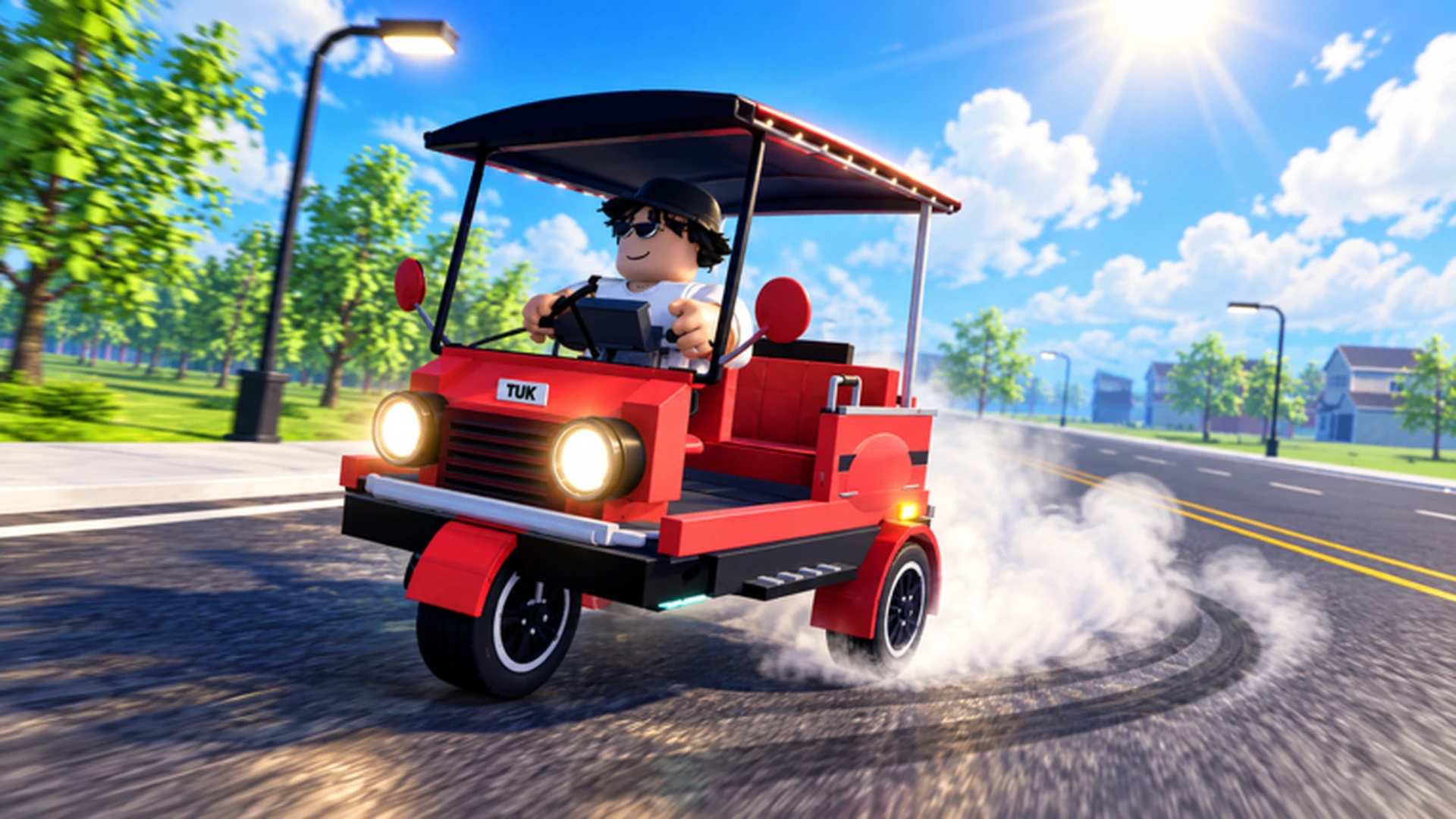
- Fastest Tuk Tuk setup: Max acceleration before top speed for the quickest real-world gains
- Upgrade order: Acceleration, Handling, Braking, then Top Speed
- Speed build tradeoff: High speed needs route knowledge and clean cornering
- Money loop: Reinvest earnings into performance parts, not cosmetics
- New player advice: A balanced build beats raw speed until routes feel familiar
Fastest Tuk Tuk Basics: What Actually Makes You Quick
In Drive A Tuk Tuk, the fastest Tuk Tuk is not just the one with the highest top speed stat. Real speed comes from a combination of acceleration, handling, and route knowledge, because a vehicle that crashes or misses turns loses far more time than a slightly slower machine driven cleanly. The core game loop rewards driving, earning cash, and reinvesting that cash into performance upgrades and vehicle unlocks, so every upgrade decision shapes how fast you can eventually travel.
Video Highlights:
- See the official driving loop in action
- How upgrades change on-road performance
- Example of a tuned Tuk Tuk at speed
Top speed only matters on long, straight roads. In most sessions, acceleration saves more time than a higher maximum speed, because you slow down and restart frequently.
The four core performance attributes compare like this:
| Attribute | What It Does | Speed Impact | Priority |
|---|---|---|---|
| Acceleration | How fast you reach driving speed | High on stop-start routes | ★★★★★ |
| Handling | Steering response and stability | High on technical roads | ★★★★ |
| Braking | Stopping control and distance | Medium, prevents overshooting | ★★★ |
| Top Speed | Maximum velocity on open roads | High only on straights | ★★★ |
Upgrade Priority for Maximum Speed
Follow a strict upgrade order so that every coin of currency produces the most usable speed. New players often dump cash into top speed first, then struggle to control the vehicle and lose time in every corner.
Invest in Acceleration First
Acceleration improves how quickly the Tuk Tuk reaches useful driving speed after starting or slowing down. On short routes with frequent stops, this is the single biggest time-saver available early.
Add Handling Second
Handling makes steering predictable through turns. If the Tuk Tuk feels hard to control or frequently leaves the road, upgrade handling before anything else on the speed path.
Improve Braking
Better braking shortens stopping distance, which matters in crowded areas, downhill sections, and sharp corners where overshooting ruins a run.
Buy Top Speed Last
Raise maximum speed only once acceleration and handling feel comfortable. Extra top speed is wasted when control is weak, because you cannot safely hold high speed through familiar routes.
| Upgrade Stage | Recommended Parts | Best For | Est. Payback |
|---|---|---|---|
| Early | Acceleration, basic handling | Stop-start city routes | Fast |
| Mid | Handling, braking | Technical roads, racing | Medium |
| Mid-Late | Top speed tiers | Long straight routes | Medium |
| Late | Specialized speed build | Racing, record attempts | Slower |
Do not spend heavily on cosmetic customization before performance upgrades are complete. Colors, wheels, and lights do not make the fastest Tuk Tuk, and they delay the parts that do.
Speed Build vs. Balanced Build: Which Is Faster?
A specialized speed build produces the highest theoretical pace, but only in the right hands. Compare the main build approaches before committing your currency:
Speed Build
- Very high top speed and acceleration
- Best for racing and long straight routes
- Requires route knowledge and clean control
- Punishing when you make mistakes
Balanced Build
- Even performance across all attributes
- Safest all-purpose route for progression
- No major weaknesses in any activity
- Best value for most players
Durability Build
- Very high survivability
- Supports long resource runs
- Fewer interruptions from crashes
- Slower travel than speed setups
Handling Build
- Very high steering control
- Ideal for learning routes and tight turns
- Gives up some maximum speed
- Great transition build for newer drivers
For most players, the practical answer is a balanced build in the early and mid game, transitioning to a speed-focused build once routes feel automatic and cash flow is steady.
| Scenario | Best Build | Reason |
|---|---|---|
| Learning the map | Handling build | Control prevents wasted runs |
| Farming cash | Balanced build | Consistency beats peak pace |
| Racing friends | Speed build | Straights and records reward top speed |
| Long risky routes | Durability build | Fewer crash interruptions |
Start balanced, then specialize. The fastest Tuk Tuk in practice is the one you can drive at its limit without crashing.
Money Loop: Funding Your Fastest Tuk Tuk
Speed costs cash, so your earning loop matters as much as your upgrade order. The reliable path is repeating activities you can complete consistently, then reinvesting earnings into upgrades that shorten future trips.
| Method | Efficiency | Best Stage | How to Use |
|---|---|---|---|
| Regular driving and delivery tasks | Steady | Early game | Fund first acceleration and handling upgrades |
| Repeat short, familiar routes | Consistent | Early-mid game | Pick routes you finish quickly and safely |
| Long routes with a performance build | High after upgrades | Mid-late game | Only after control upgrades are in place |
| Reinvest into performance | Indirect boost | All stages | Prioritize parts that cut completion time |
| Save for major purchases | Long-term | Mid-late game | Set a target, skip cosmetics until reached |
Earn With What You Have
Use the starter Tuk Tuk on easy, familiar routes. Do not wait for upgrades to start earning.
Reinvest Every Meaningful Sum
Put earnings into the current bottleneck part instead of spreading small amounts across every option.
Scale Up Routes
As acceleration and handling improve, move to longer routes where upgraded speed actually pays off.
Specialize for Racing
Once income is steady, commit to the speed build for races and record attempts.
Choose routes you can complete quickly and safely over routes that only look more profitable on paper. A finished run always beats a crashed one.
Speed Goals Checklist
Track your progress toward the fastest Tuk Tuk with these milestones. Each one removes a real speed bottleneck.
Fastest Tuk Tuk Milestones:
- Max out acceleration upgrades
- Upgrade handling until cornering feels automatic
- Add braking for sharp turns and crowded areas
- Purchase first top speed tier
- Complete a full race without crashing
- Finish a long route with a speed build
New parts and balance changes can shift which build is fastest. Check the official Drive A Tuk Tuk Roblox page and the Lumora Inc. community for update notes before spending large amounts of currency.
FAQ
Q: What is the fastest Tuk Tuk build in Drive A Tuk Tuk?
The fastest practical build prioritizes acceleration, then handling, then top speed. A pure top-speed build is theoretically quickest but only pays off for experienced drivers on long, straight routes where control is not the limiting factor.
Q: Should I upgrade top speed or acceleration first?
Upgrade acceleration first. Most routes involve frequent slowing and restarting, so reaching driving speed quickly saves more total time than a slightly higher maximum speed you rarely hold for long.
Q: Can a beginner use a speed build effectively?
Not usually. New players benefit more from a balanced or handling-focused setup, because a fast Tuk Tuk in untrained hands loses time to crashes, missed turns, and overshooting corners.
Q: How do I earn cash faster for speed upgrades?
Repeat short, familiar routes you can finish consistently, then reinvest earnings into performance upgrades that reduce completion time. Avoid cosmetic purchases until your speed build is complete.