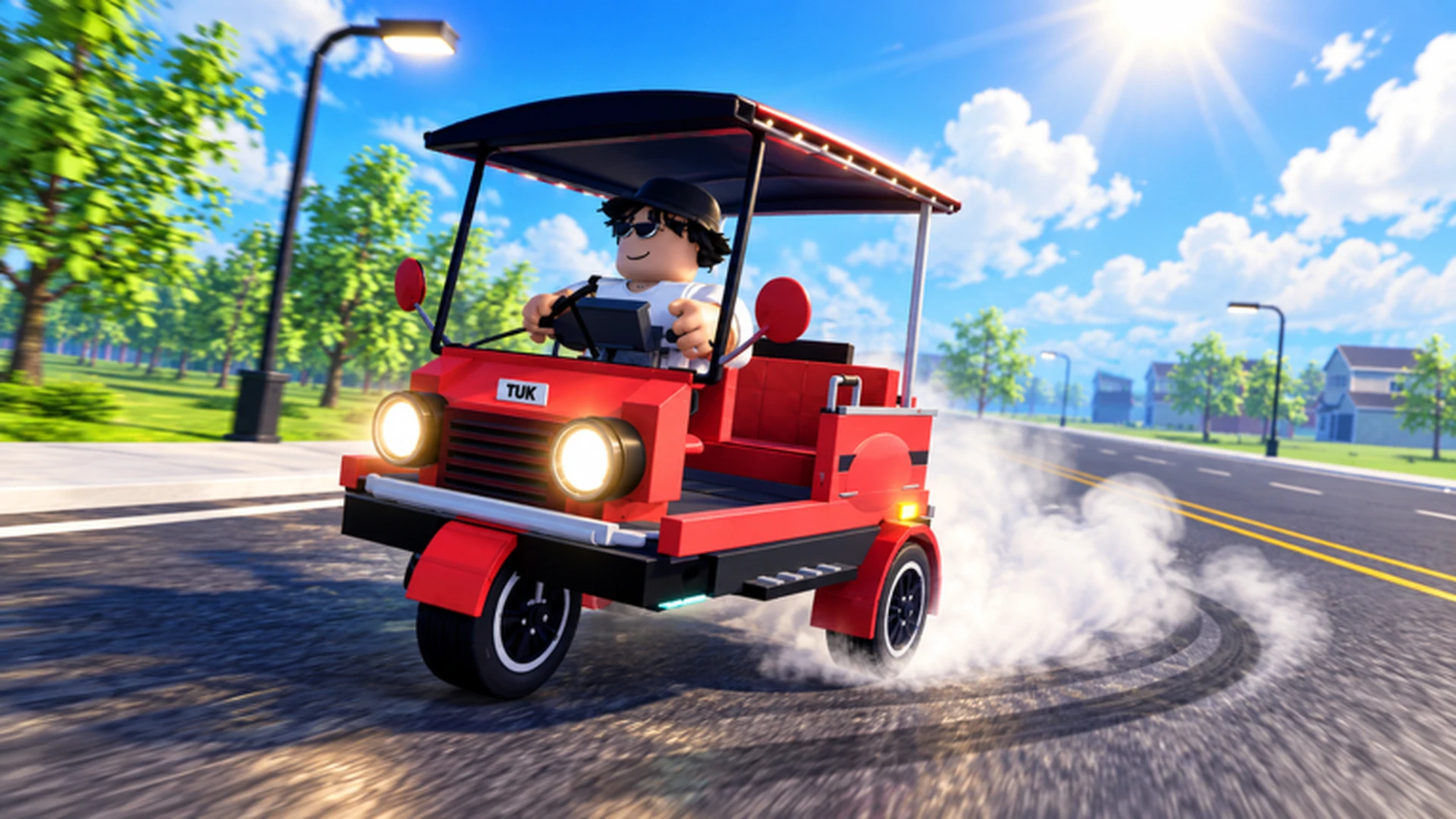
- Drive A Tuk Tuk new features center on driving, earning, upgrading, and customizing your Tuk Tuk.
- Daily and weekly quests refresh regularly and provide steady rewards for consistent play.
- Environments, weather, and day-night cycles add variety to routes and driving conditions.
- Upgrade priority matters: acceleration and handling usually outperform raw top speed early on.
- Track official channels on the Roblox game page for the newest update notes.
Drive A Tuk Tuk New Features at a Glance
Drive A Tuk Tuk is a Roblox driving simulator from Lumora Inc. built around a simple loop: drive your Tuk Tuk, earn cash, upgrade performance, and customize your look. The game's confirmed feature set includes speed and handling upgrades, color/wheel/light customization, daily and weekly quests, and varied environments with weather and day-night changes.
Video Highlights:
- Official gameplay trailer showing the core drive-and-earn loop
- Red Tuk Tuk drifting through city roads
- Examples of customization and environment variety
The table below summarizes the core feature categories you can expect the developers to expand in future updates.
| Feature Area | What It Covers | Progression Impact |
|---|---|---|
| Driving & Earning | Distance-based cash, speed-based income | High - funds every upgrade |
| Performance Upgrades | Speed, acceleration, handling, braking | High - shortens routes and races |
| Customization | Colors, wheels, lights | Low - cosmetic, buy after performance |
| Quests | Daily and weekly objectives | High - steady bonus income |
| Environments | Different areas, weather, day-night cycle | Medium - changes route conditions |
| Races | Speed records and competitive routes | Medium - rewards skilled driving |
Update notes, event codes, and new vehicle announcements are posted through the official Roblox game page and the Lumora Inc. community. Check both before spending currency after any patch.
Core Systems and Recent Additions
Each confirmed system in Drive A Tuk Tuk supports a different playstyle. Understanding how they interact helps you decide where new update content fits into your progression.
Driving Economy
- Earn cash from distance and speed
- Reinvest into performance
- Scales with route quality
Upgrade System
- Acceleration and handling first
- Braking for safety
- Top speed last
Quests & Races
- Daily and weekly objectives
- Competitive time routes
- Bonus income streams
| System | Best For | Recommended Priority |
|---|---|---|
| Daily quests | All players, every session | ★★★★★ |
| Weekly quests | Mid-game bonus income | ★★★★ |
| Races | Experienced drivers | ★★★★ |
| Customization | Players with stable builds | ★★ |
When an update adjusts vehicle performance or earning rates, re-evaluate your upgrade and money route before making large purchases. What was efficient last patch may no longer be optimal.
How to Adapt After Each Update: Step-by-Step
Read the Update Notes
Check the Roblox game description and the Lumora Inc. community page for the latest patch details, new vehicles, and event announcements.
Identify New Content
Note whether the update adds vehicles, quests, races, map areas, or systems. New parts may fit your existing build better than expected.
Test Before Spending
Try new routes and features with your current Tuk Tuk before committing currency to a new build path.
Rebuild Your Upgrade Order
If balance changes affected speed, handling, or income, shift your upgrade priority to the attribute that now limits your runs most.
Lock In Event Rewards
Complete limited-time activities and claim official rewards promptly before they expire.
Following this five-step loop after every patch keeps your cash flow stable and prevents wasted spending on builds weakened by balance changes.
Vehicles and Build Directions
Six or more Tuk Tuks are available in the game, with more expected as updates continue. Rather than chasing a single "best" vehicle, match your build to the activity you play most.
| Build Type | Key Stats | Best For |
|---|---|---|
| Speed Build | Very high speed, high accel | Racing, long straight routes |
| Handling Build | Very high handling, medium speed | Technical routes, new players |
| Durability Build | Very high durability, medium stats | Long runs, risky areas |
| Balanced Build | High across all stats | General progression |
When a new Tuk Tuk releases, compare its stats against your current setup before switching. An established, upgraded vehicle often outperforms a fresh unlock until you reinvest in it.
Post-Update Checklist
After Every Update, Complete These:
- Read the latest patch notes on the official Roblox page
- Complete new daily and weekly quests
- Test any new routes or race tracks
- Compare new vehicles or parts against your build
- Claim limited-time event rewards before expiry
Keep a cash reserve equal to one major upgrade until you have tested new update content. This prevents locking yourself into a purchase that a balance change makes less valuable.
FAQ
Q: What are the main Drive A Tuk Tuk new features?
The confirmed feature set includes driving to earn cash, speed and handling upgrades, color/wheel/light customization, daily and weekly quests, races, and varied environments with weather and day-night cycles.
Q: Do new updates add more Tuk Tuks?
The game currently offers six or more Tuk Tuks, and update hubs typically track new vehicles, parts, and balance changes as they are released. Check the official Roblox game page for the latest additions.
Q: How should I spend money after an update?
Test new content first, then prioritize acceleration and handling upgrades before top speed. Save customization purchases for last, after your performance build is reliable.
Q: Where can I find official update announcements?
Official information is posted on the Drive A Tuk Tuk Roblox game page and the Lumora Inc. community page. Treat codes and rewards as pending until confirmed in-game.